
Development blog
Tag: Documentation
-

Basics – Index-based generation
When working with repeaters and groups in Paragraphic each element and repeater iteration is assigned a number, or index as it’s called in Paragraphic. These different indexes can be used both for selecting what elements to apply changes to and to serve as input to generate dynamic repetitions that gradually change. This video below covers…
-

Conditional changes
This post is a more in-depth introduction to the new conditional features added in the 1.4 update. It assumes you are familiar with some of the basics of Paragraphic already (like nodes, input nodes and connections). Here is a video version of this introduction, or you can read about the features in more detail below.…
-
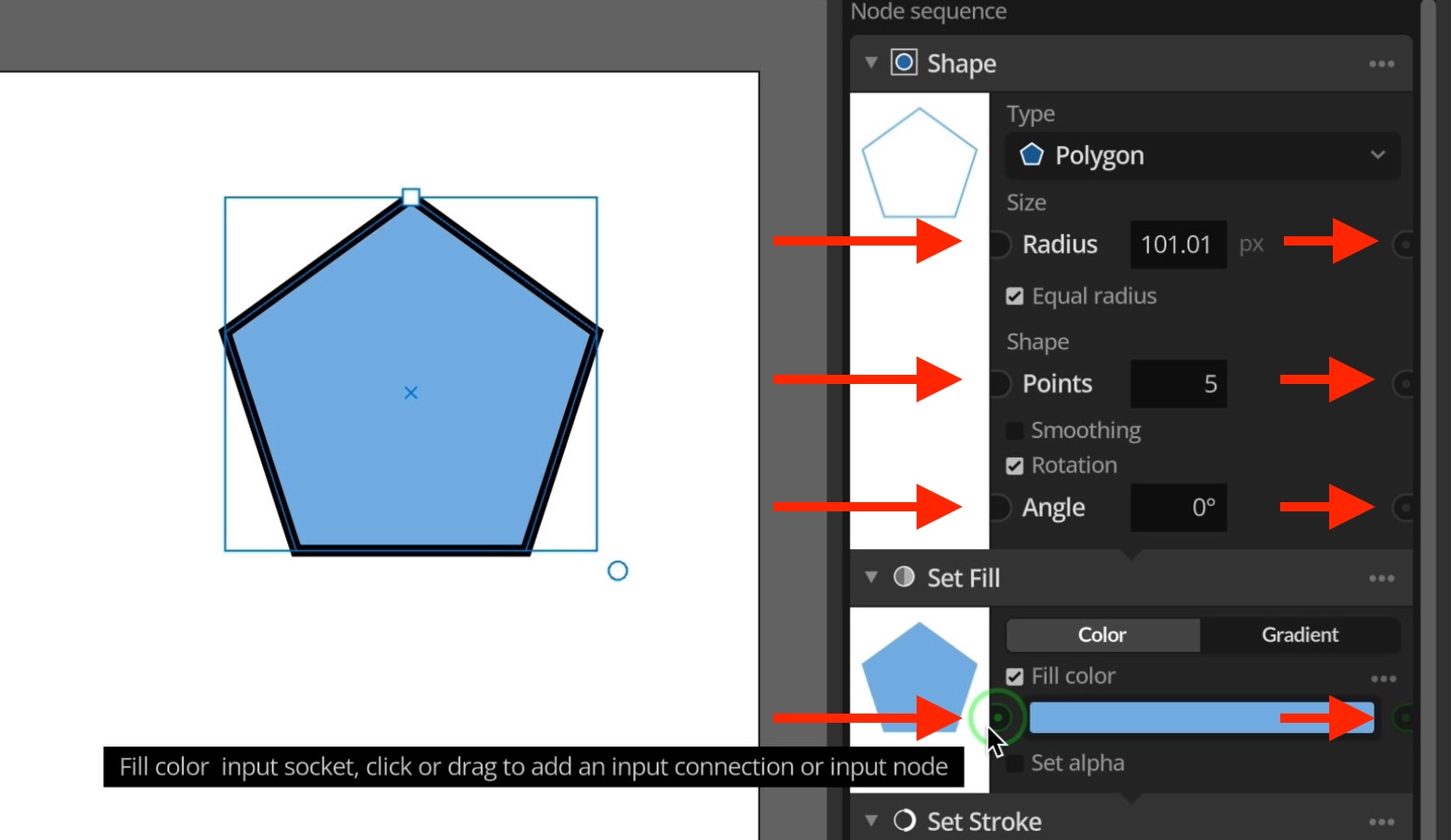
Basics – Connections and input nodes
You can do a lot by just using the various tools and nodes in Paragraphic and manually adjusting their parameters. But to truly unlock the potential of Paragraphic you need to understand how to automatically control properties via connections and input nodes. This video below covers introduces these concepts, or you can read about them…
-
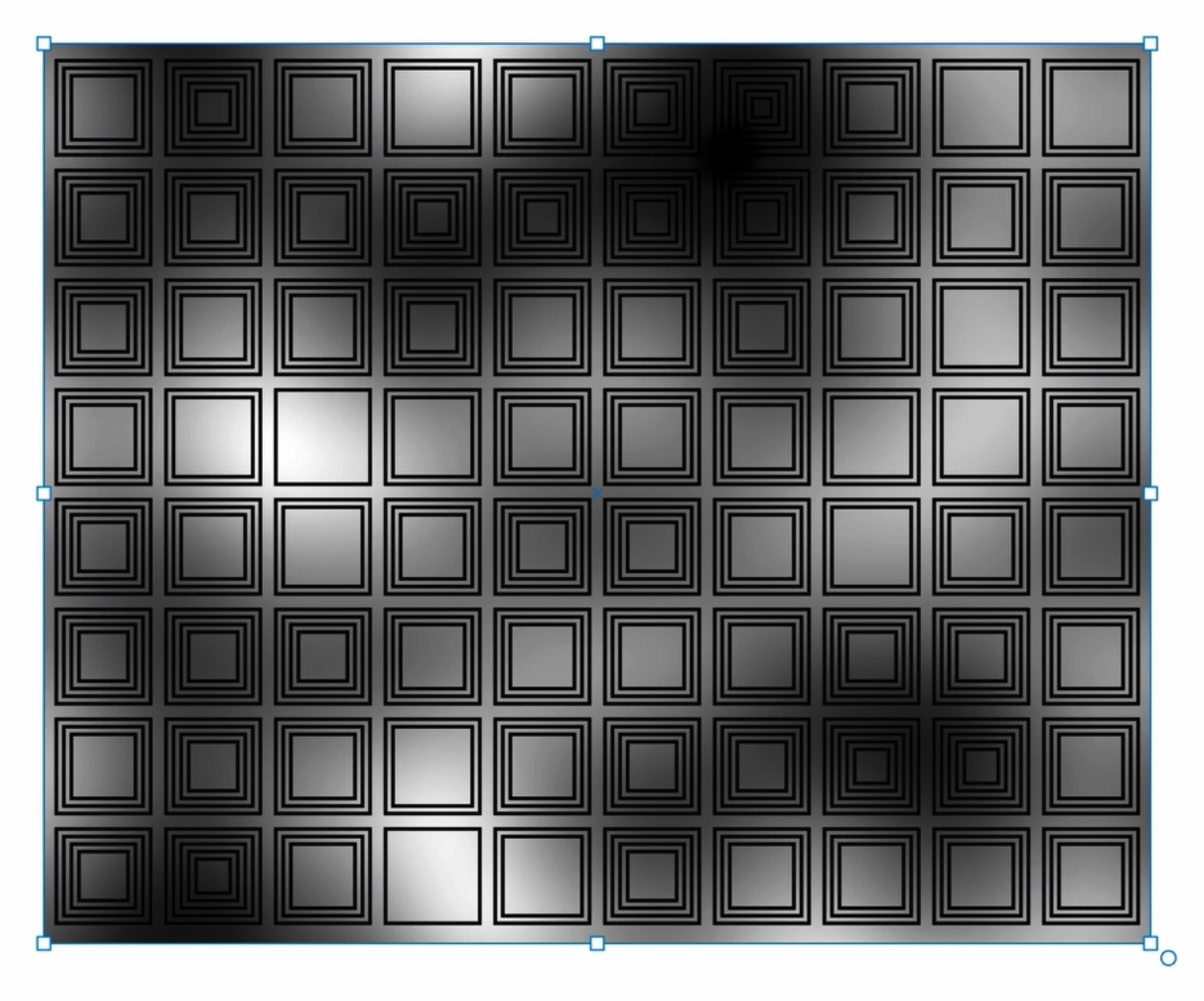
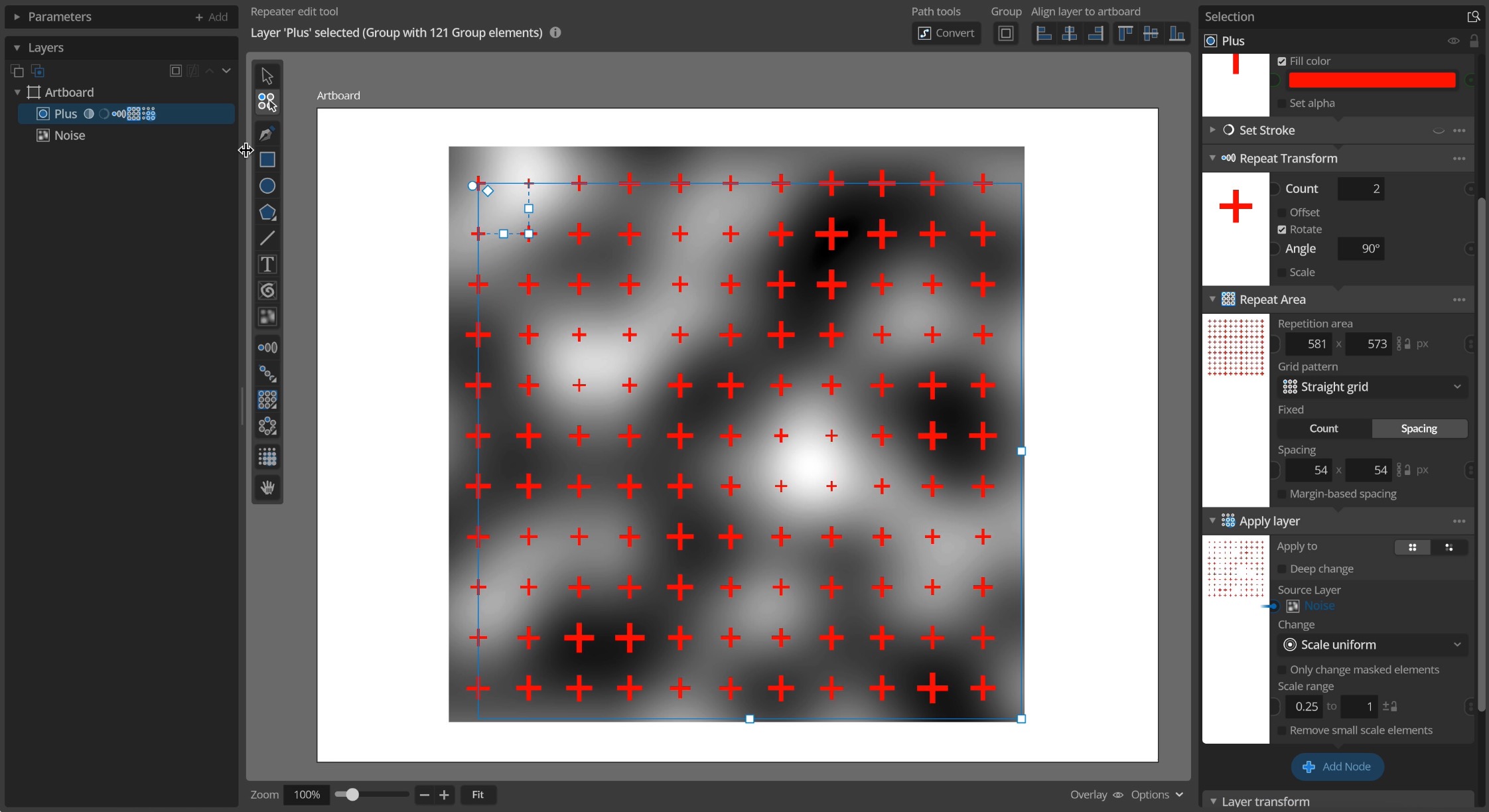
Sampling values from layers
This is an introduction to the more advanced layer value sampling features introduced in 1.3.1, allowing you to generate more complex dynamic patterns and designs based on images, gradients or other layers. This video gives you a quick introduction and some examples, or you can read more details below Apply layer node The easiest way…
-
Procedural noise
This is an introduction to the Procedural 2d noise features added in update 1.3. This video gives you a quick introduction and some examples, or you can read more details below Noise texture tool To add a noise layer to you document you can use the new Noise texture tool and draw a rectangle where…
-
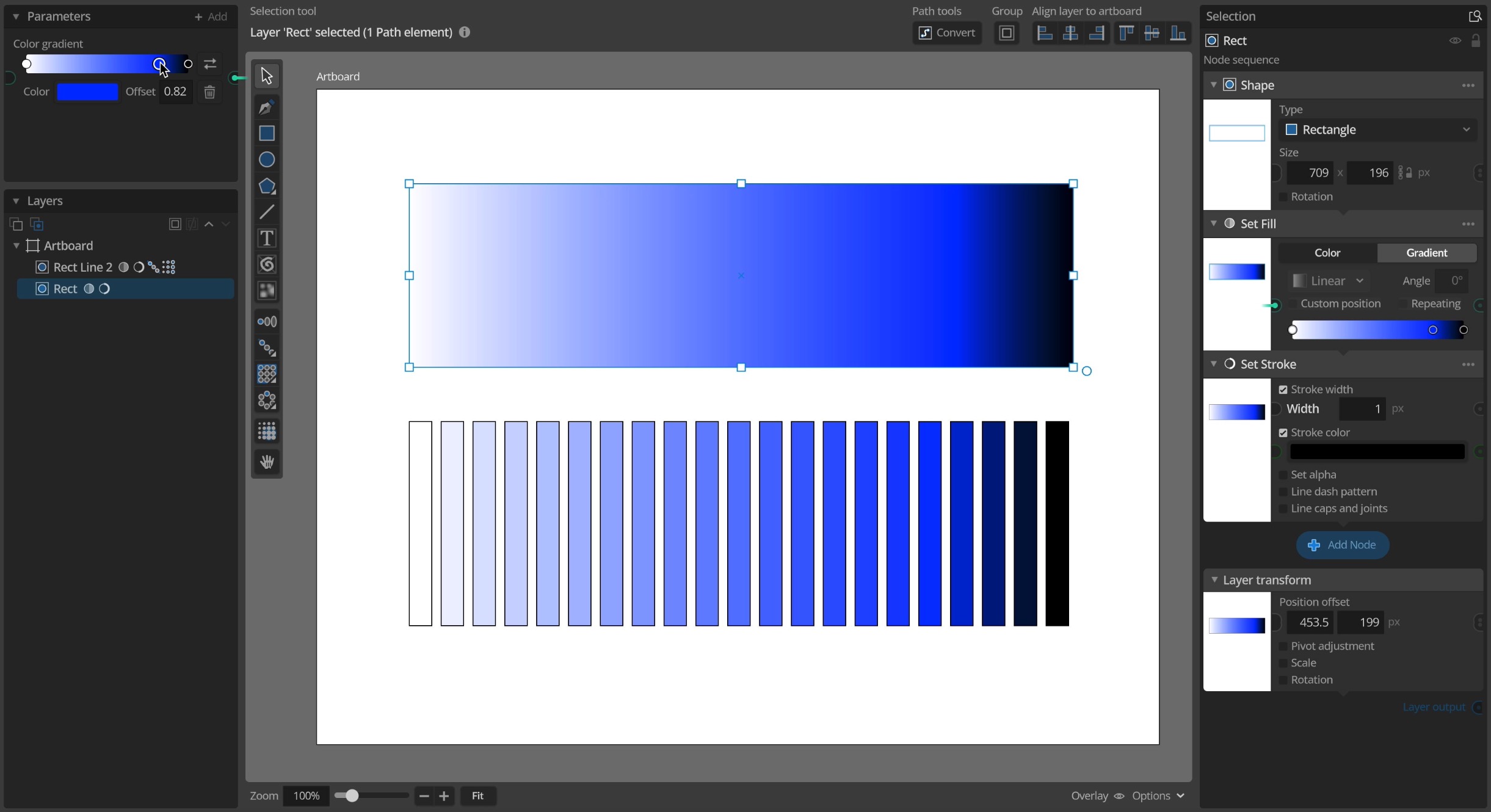
Color gradients
This is an introduction to the color gradient features added in update 1.3. This video below gives you a quick introduction and some examples. Using gradients for element fill Color gradients have been a standard feature in many vector design tools for a long time and you can now use them in Paragraphic as well…
-
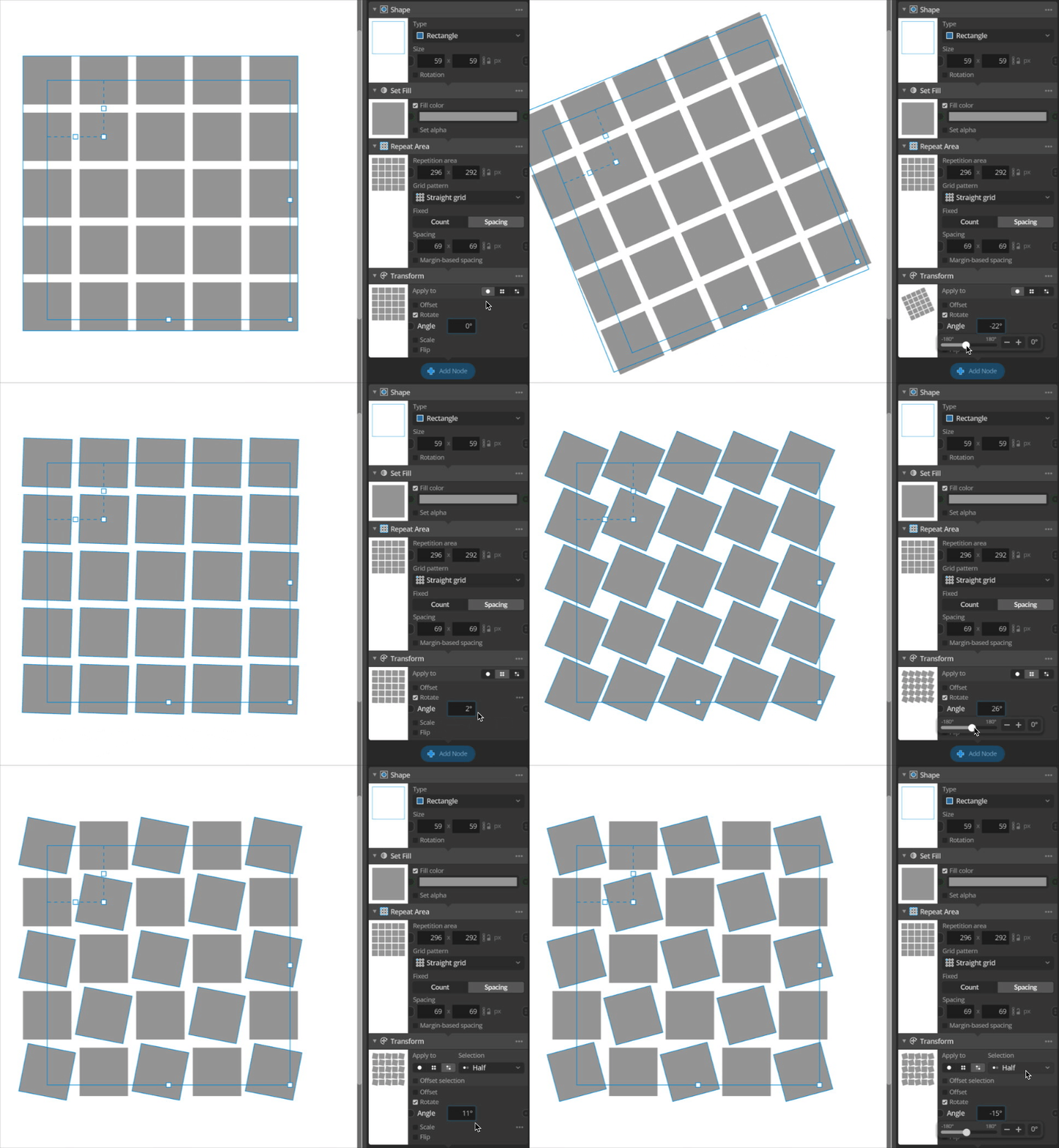
Basics – Node Apply to modes
Individual shapes and other objects in layers are referred to as elements in Paragraphic (See Basics – Layers and Elements). Elements can be created and repeated in various patterns by nodes (see Basics – Repeaters), but they can also be modified. For example changing their color, or applying transformations like rotating or scaling them. This…
-
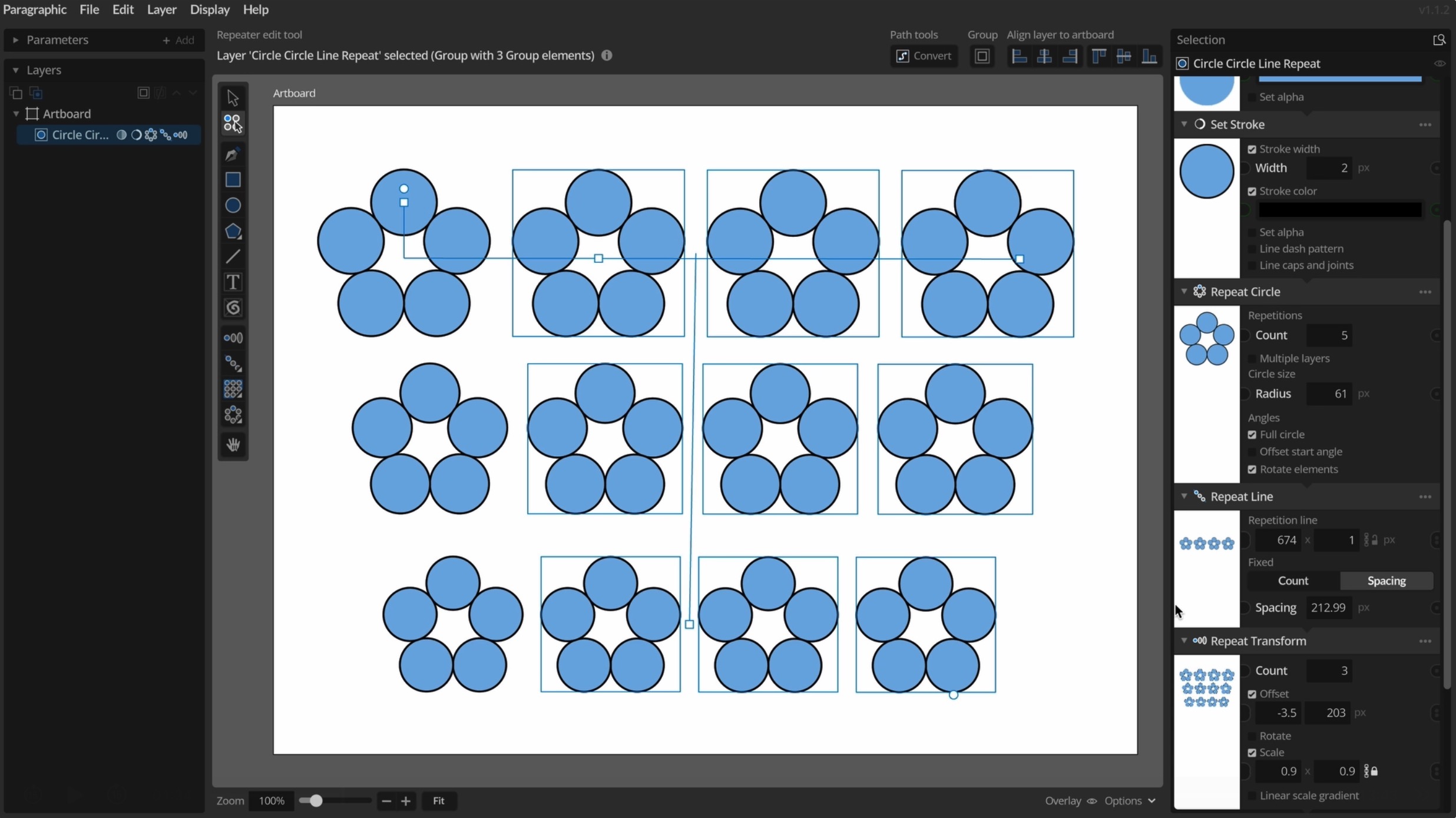
Basics – Repeaters
Most use cases for Paragraphic will involve repeating elements in patterns in one way or another, and this is done by what is called Repeater layer nodes. The Repeater nodes take the existing content of the layer and adds repeated copies of it to let you create patterns of various types. This video gives you…
-
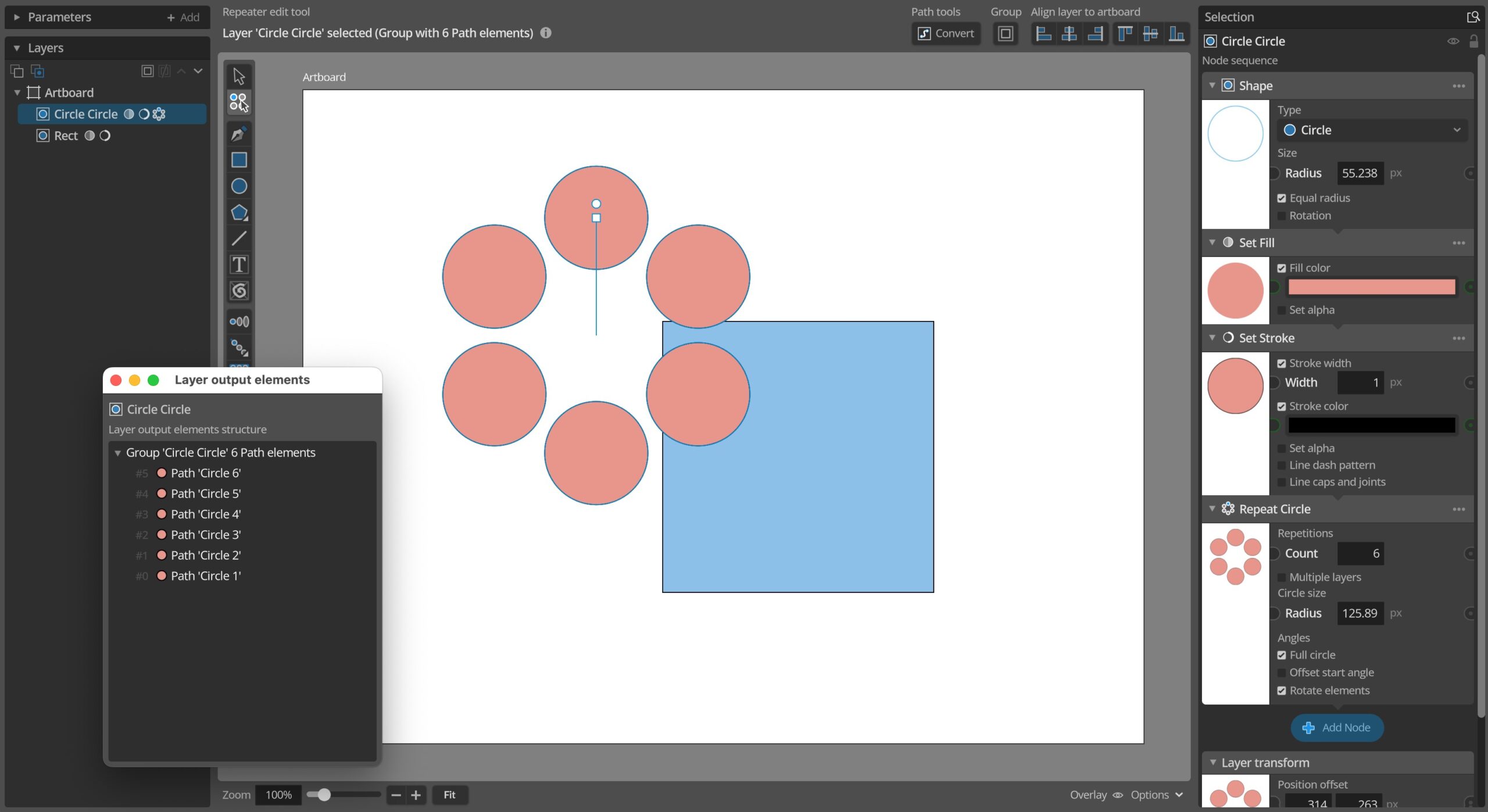
Basics – Layers and Elements
Individual shapes and other objects in layers are referred to as elements in Paragraphic. When you draw a simple shape, like for example a circle, this results in a new layer for the shape in your document. This layer in turn generates a circle shape element as it’s output. Layers The layers are represented in…
-
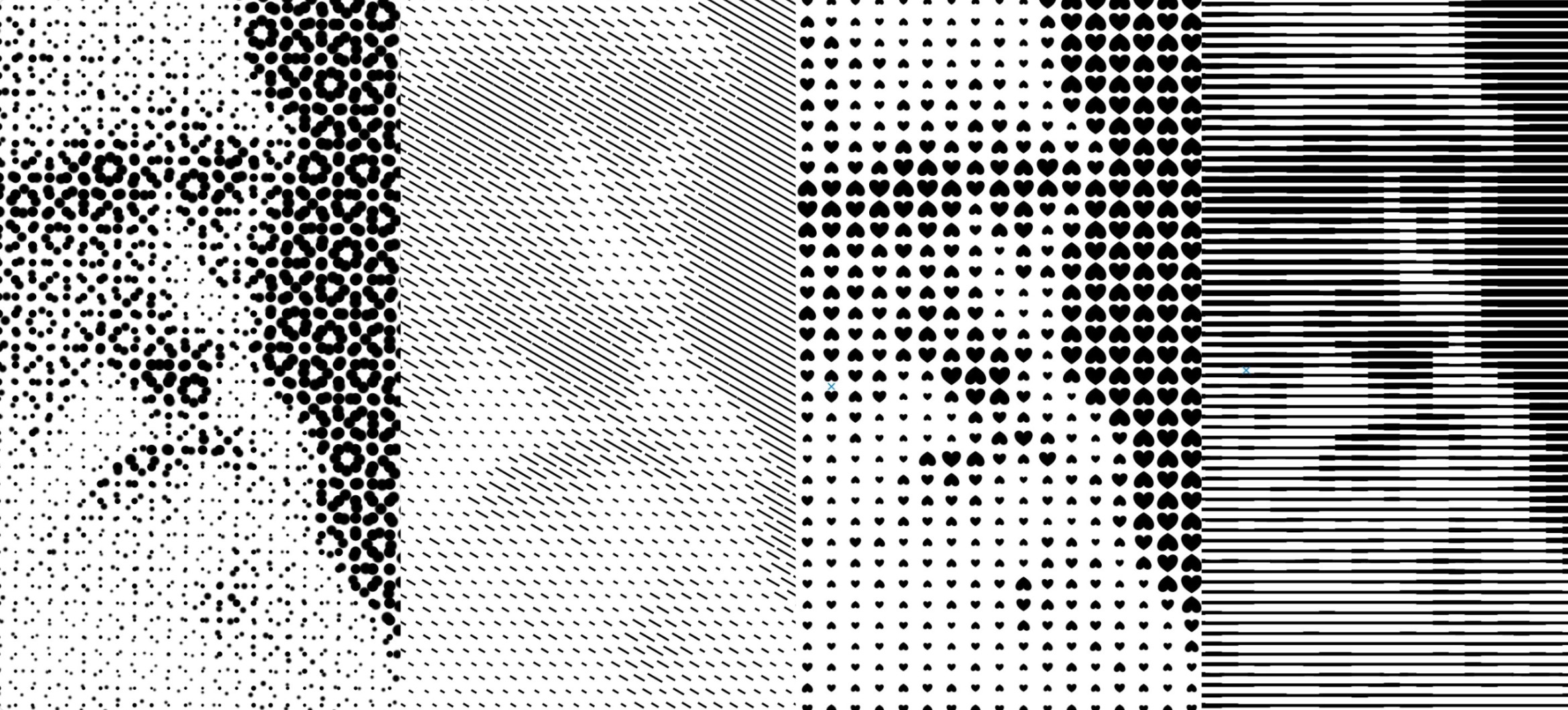
Creating vector halftone effects
Halftones were originally a technical solution for printers to represent gray scale images using a single color ink, by varying the size of points in a fixed pattern to give the appearance of lighter or darker areas. However, scaled up this sort of raster effect can also be used to create interesting designs regardless of…