
Development blog
Tag: Tools
-
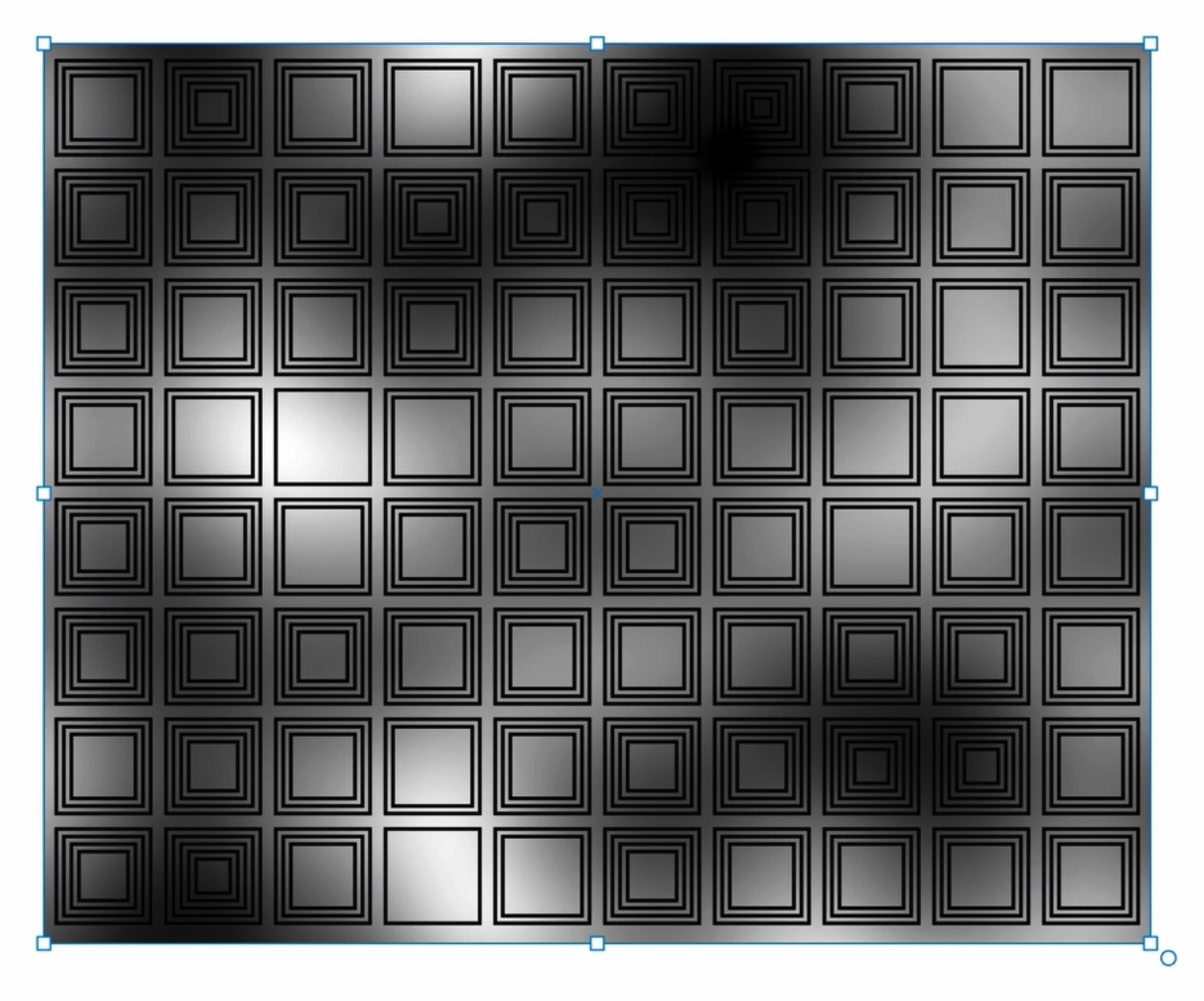
Sampling values from layers
This is an introduction to the more advanced layer value sampling features introduced in 1.3.1, allowing you to generate more complex dynamic patterns and designs based on images, gradients or other layers. This video gives you a quick introduction and some examples, or you can read more details below Apply layer node The easiest way…
-
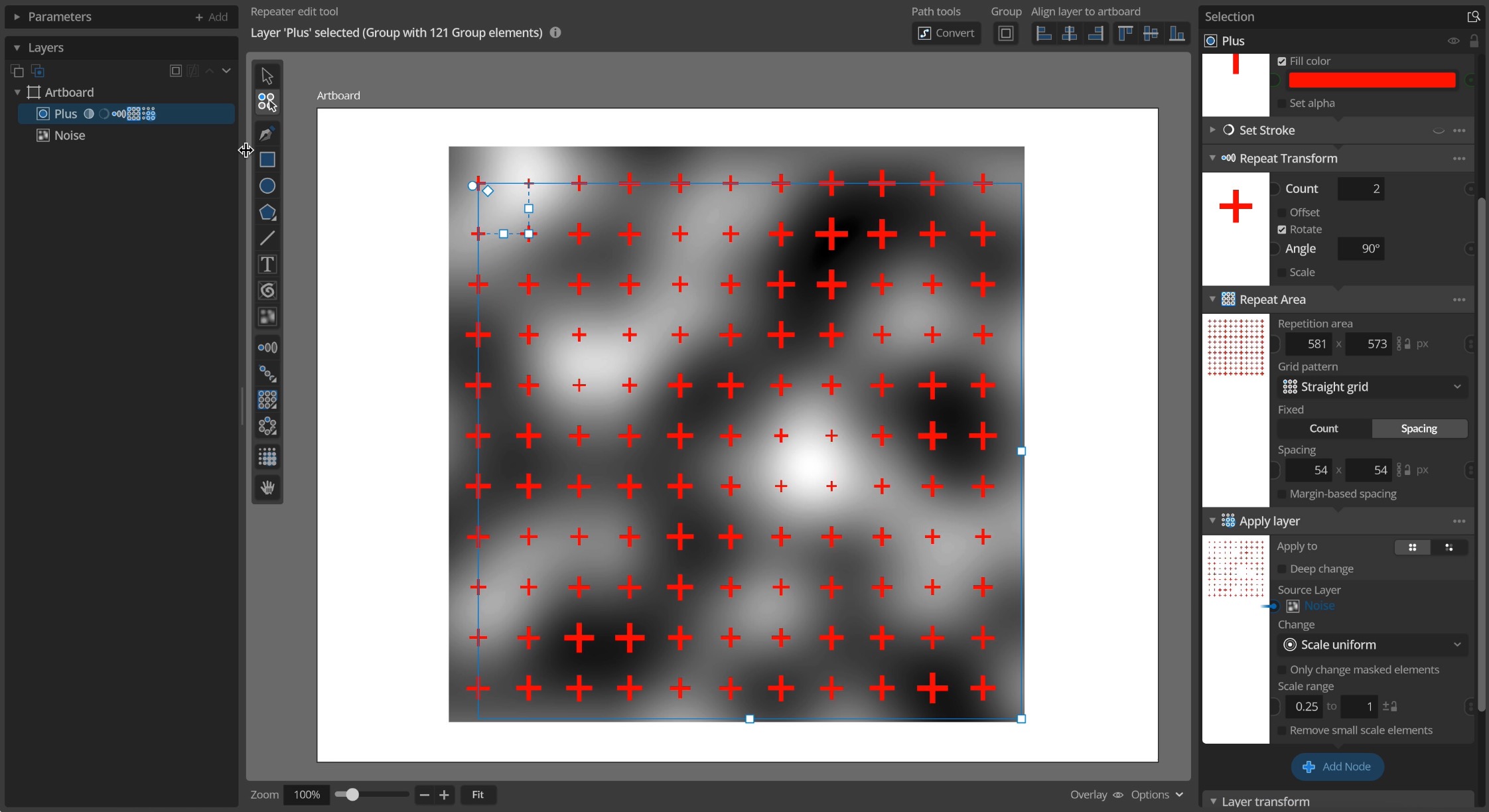
Procedural noise
This is an introduction to the Procedural 2d noise features added in update 1.3. This video gives you a quick introduction and some examples, or you can read more details below Noise texture tool To add a noise layer to you document you can use the new Noise texture tool and draw a rectangle where…
-
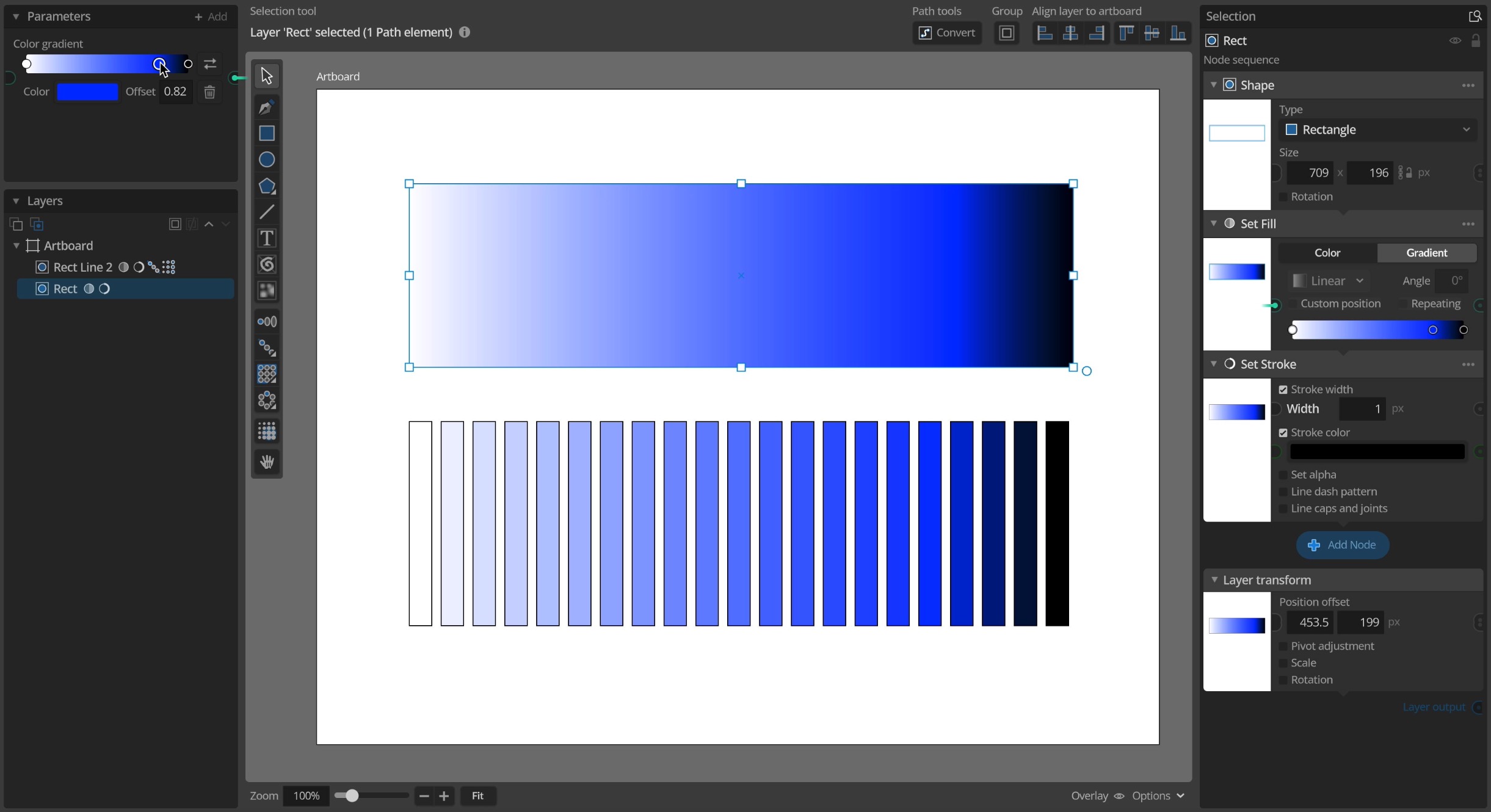
Color gradients
This is an introduction to the color gradient features added in update 1.3. This video below gives you a quick introduction and some examples. Using gradients for element fill Color gradients have been a standard feature in many vector design tools for a long time and you can now use them in Paragraphic as well…
-
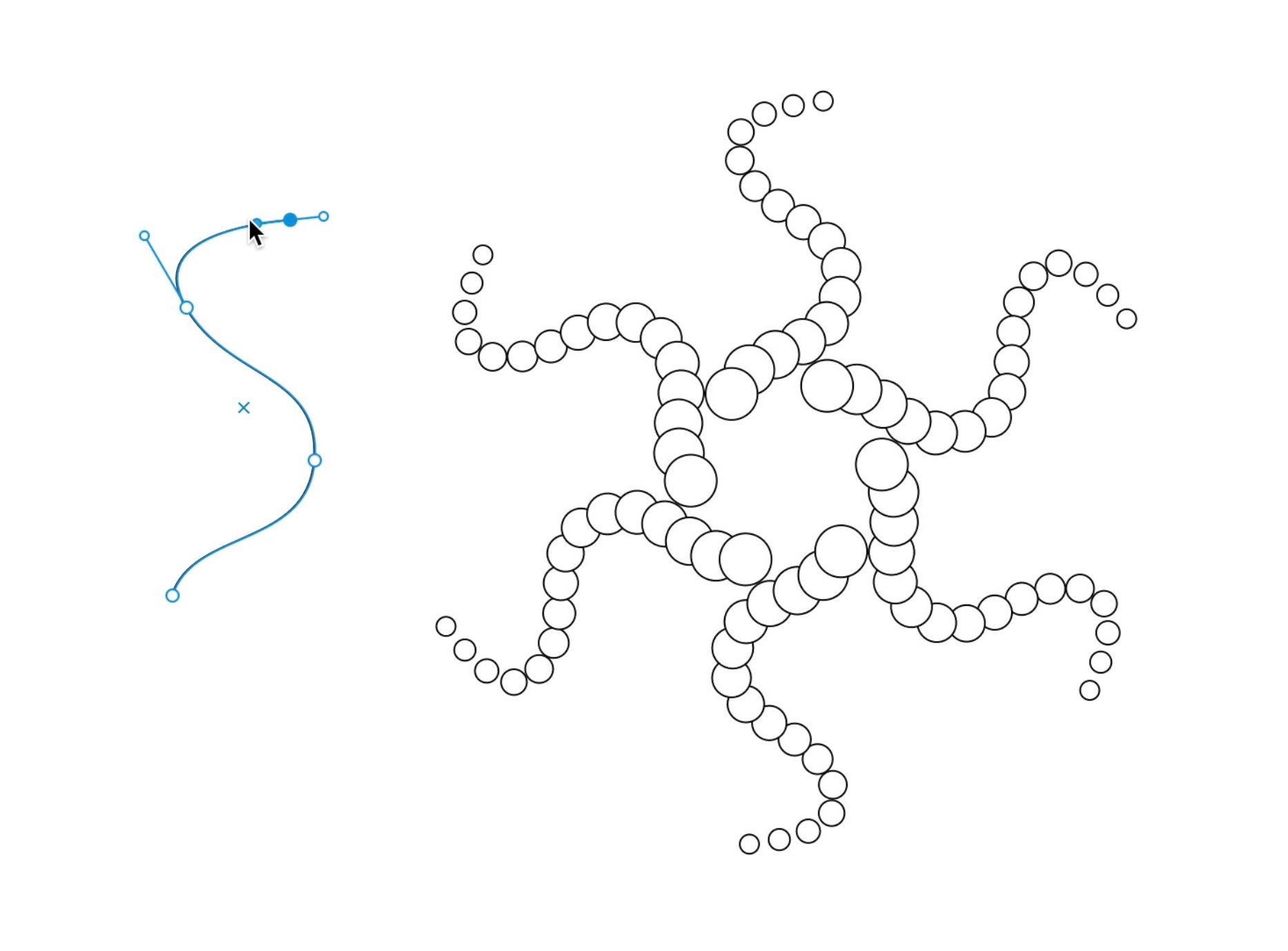
Path repeater tool
One of the reasons I really wanted to put in the free form path tools was to also allow using these free paths to repeat elements along. And now a first iteration of this Path repeater is implemented. The path repeater node works with two layers in tandem, one layer that you want to repeat,…
-
Improved repeater tools
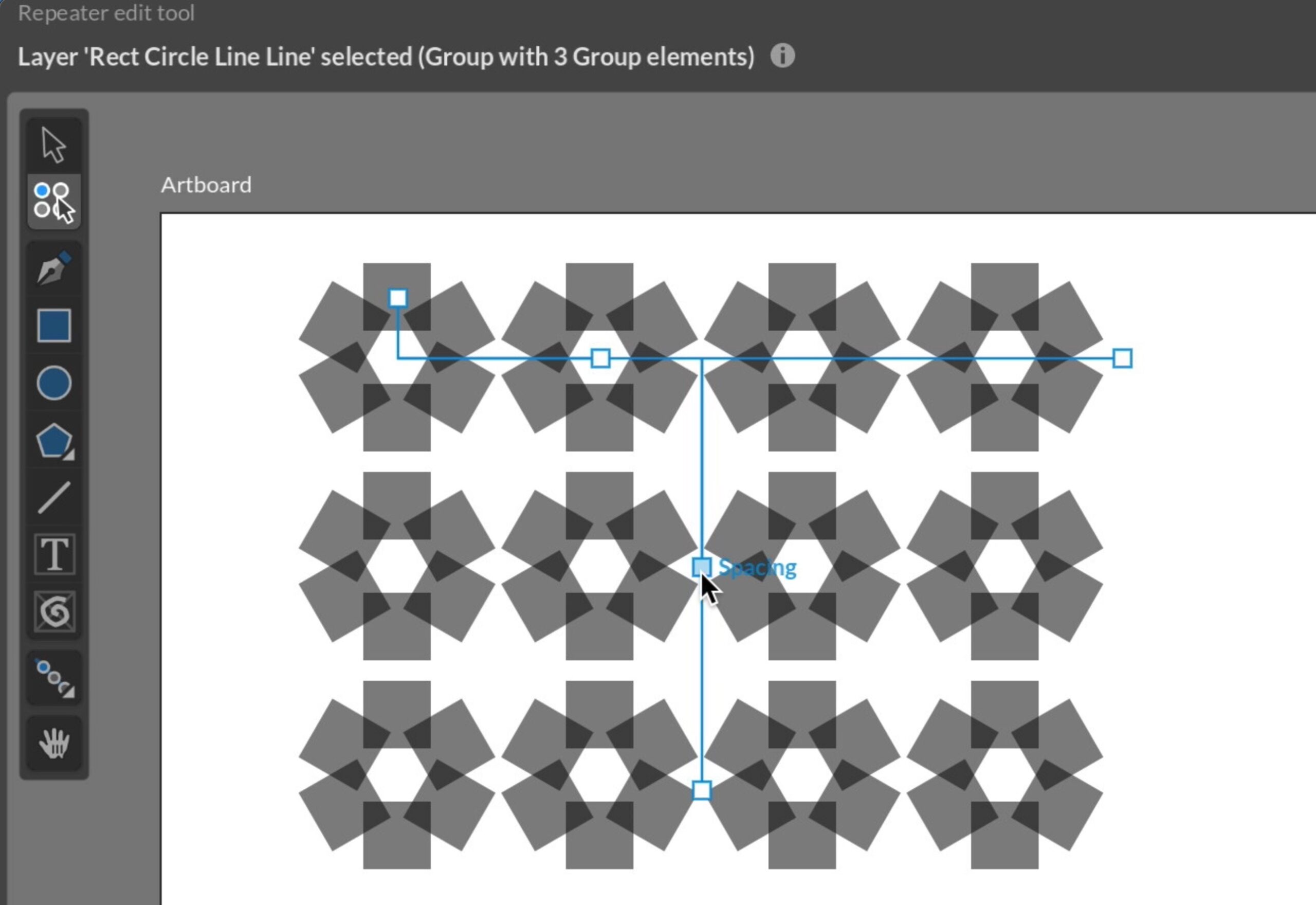
While the repeater nodes that allow you to add repetition patterns to layer have been around for a long time I’ve now added some new and improved visual tools for easily adding them. You can still just add a repeater node to the layer yourself if you prefer, but now there’s also the option to…
-
Free-form path tools
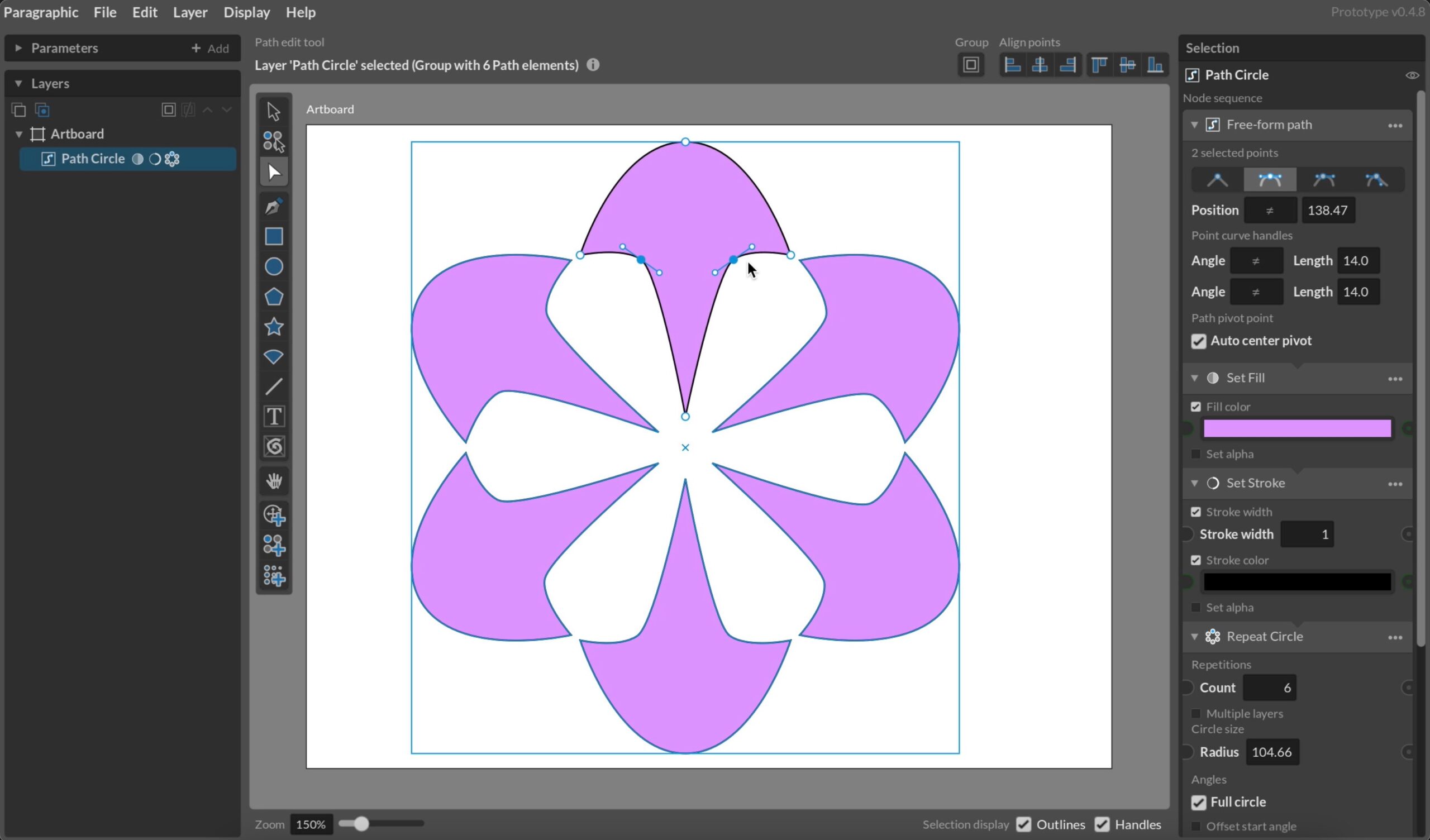
A big a complex chunk of functionality I’ve been putting off for a while is free-form path drawing. It’s a standard tool in practically all vector design software, but requires a lot of tools and supporting functionality to work well, and it’s a challenge to fit into the more rigid structure of a parametric design…
-
Text elements, character paths and arcs
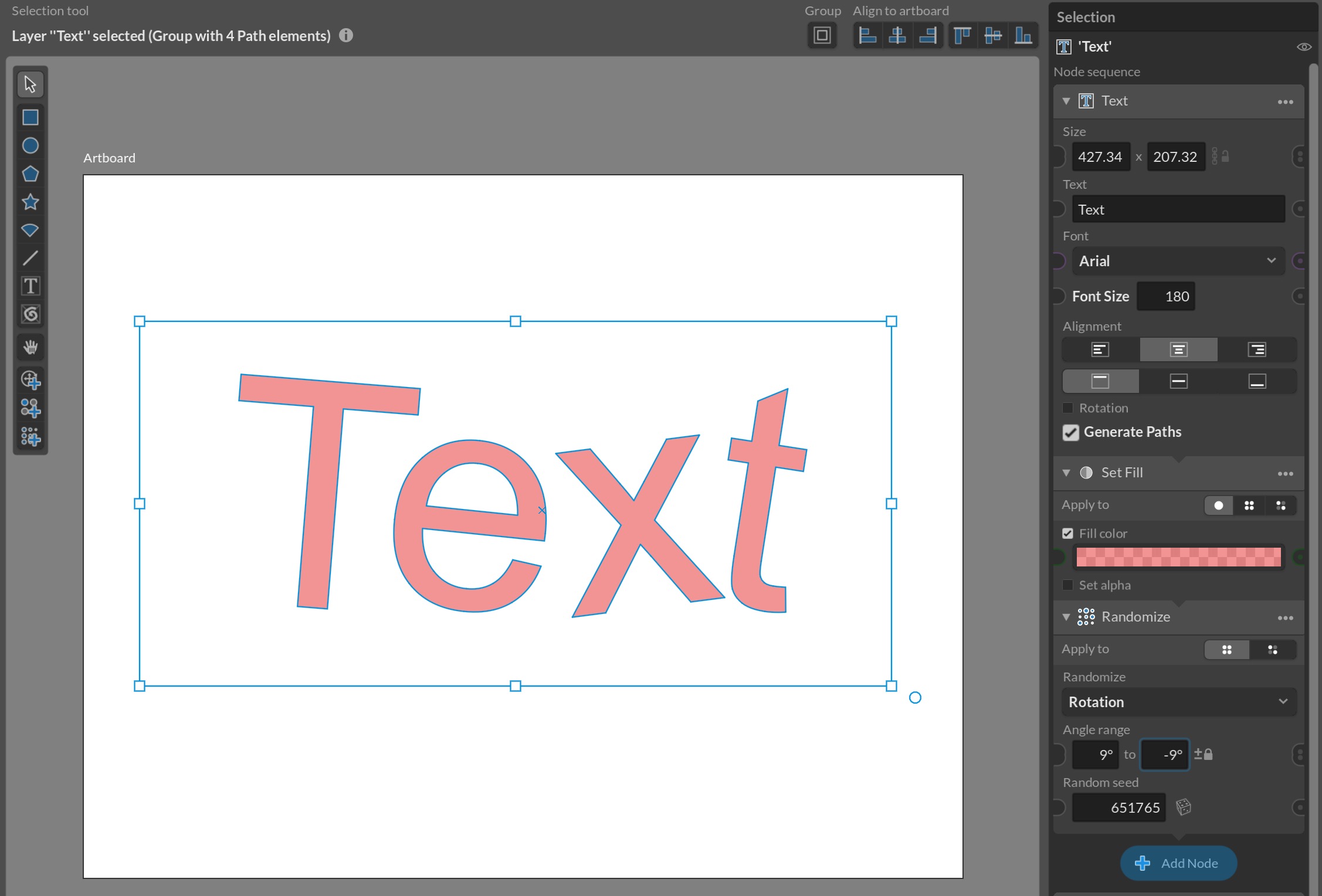
In Patternodes text was always generated as character outline paths, which had the benefit of making these shapes the same as and other generated shapes in the system. However, it also had the drawback that it wasn’t possible to change text content or text-specific properties dynamically. So in Paragraphic I wanted to implement a specific…
-
Improved preview editing
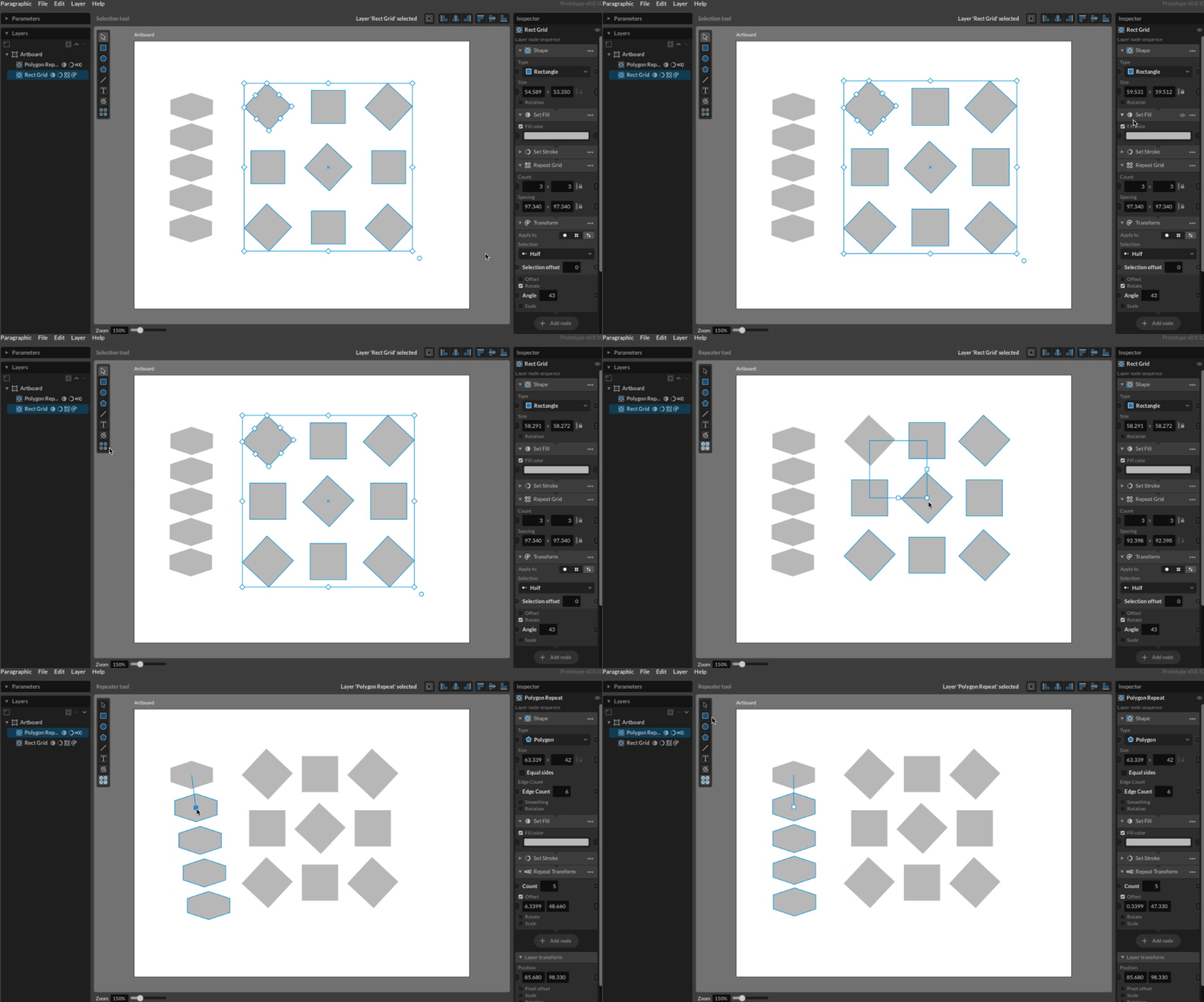
While this type of thing might seem pretty basic, since we’re so used to these tools in modern design software, just clicking and dragging to transform or rotate things is actually quite complex. The basics of applying just one transformation to one element is pretty straight-forward, but it quickly becomes trickier when the elements you’re…
-
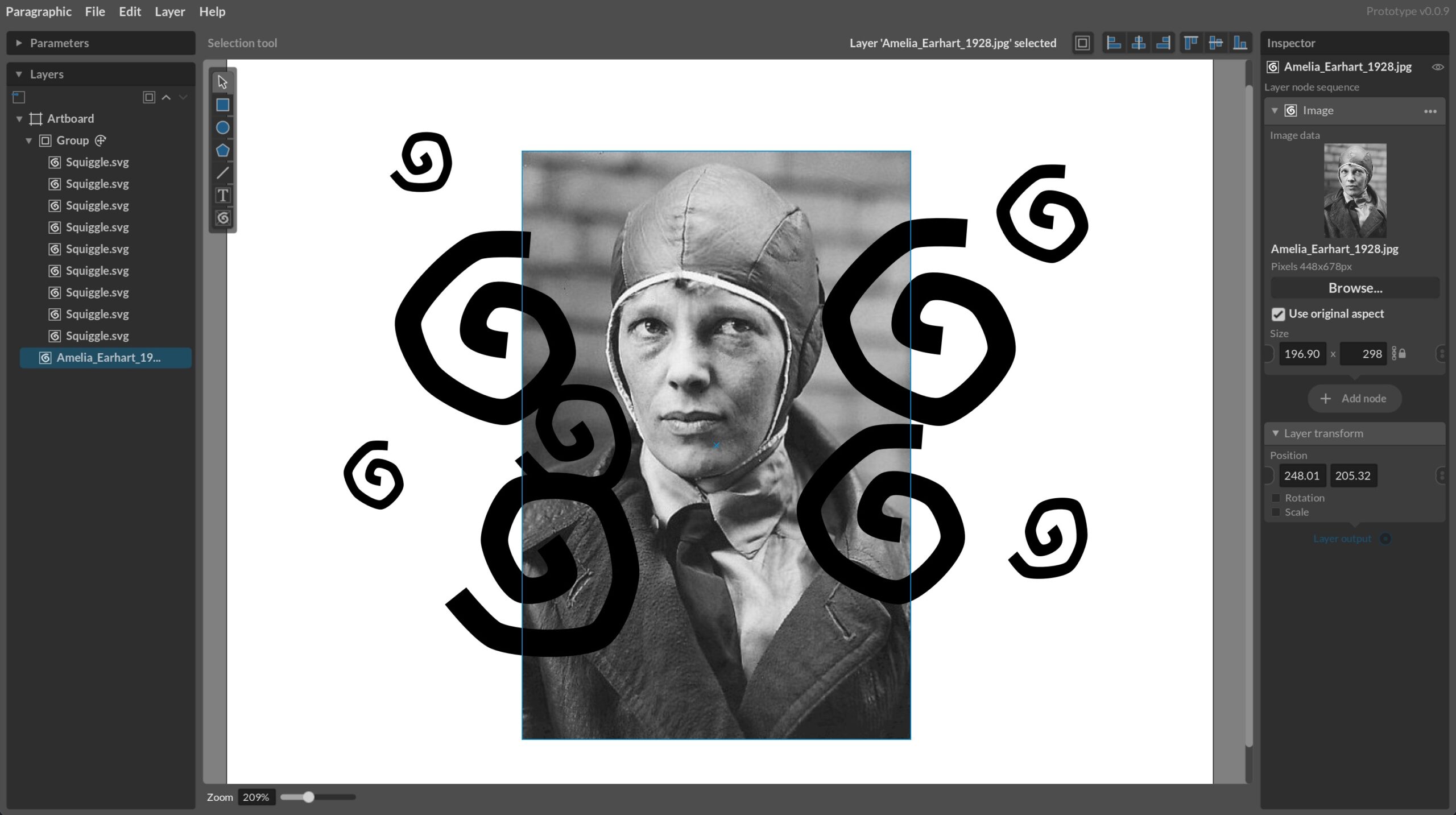
Image imports and elements
I’ve now implemented the basic building blocks for working with imported images and graphics in the form of a new Image tool to add new image layers and draw a box for them, an import image menu item, a new Image layer node for generating image elements and image data parameters that allow you to…
-
Basic text tools and text elements
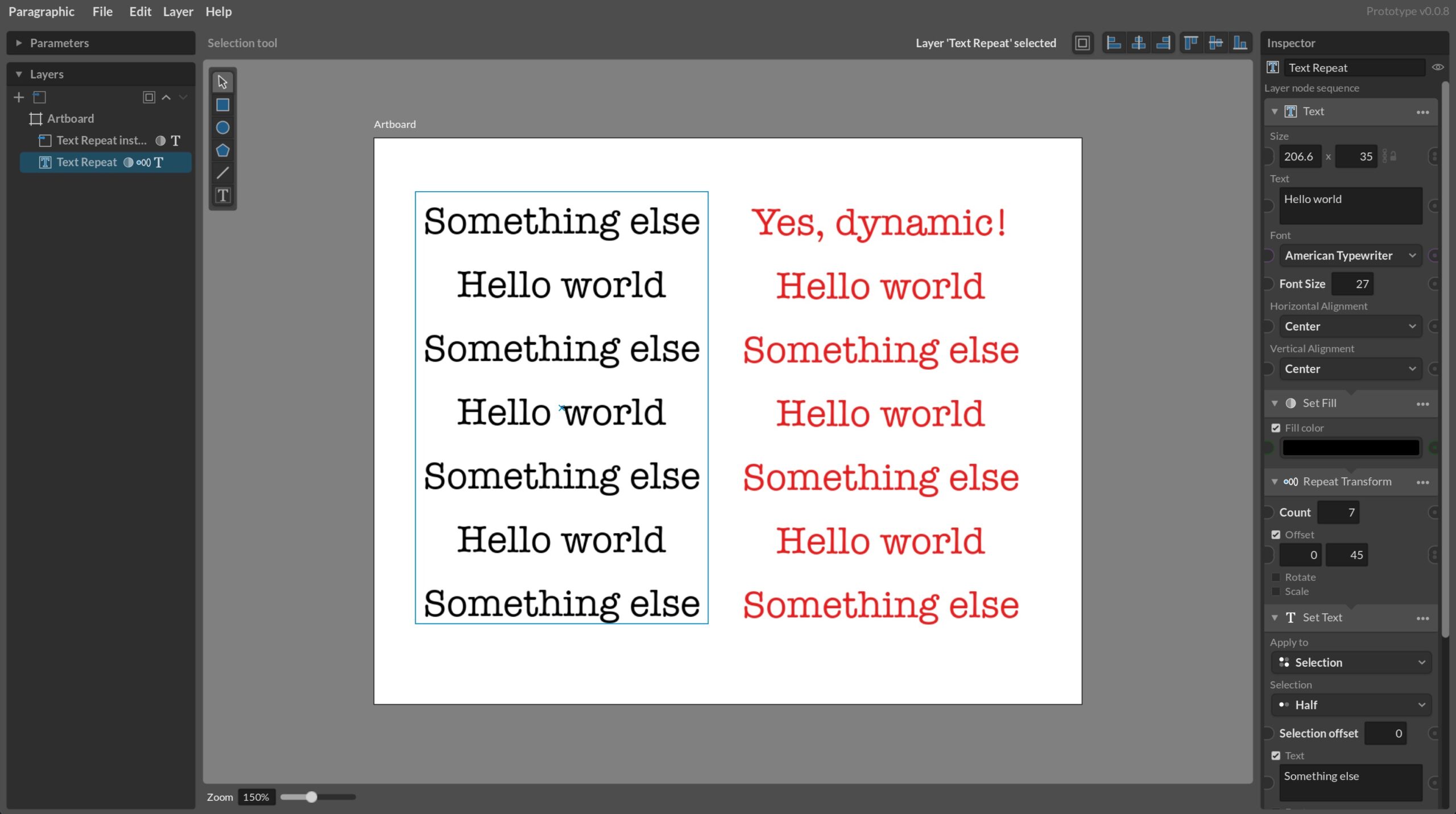
I’ve now added some very basic text functionality, allowing users to add text to their designs. Compared to other design software it’s not much, missing more or less all more advanced typography features, but it’s a start and has all the fundamental building blocks in place: When I implemented text elements in Patternodes and Vectoraster…