
Development blog
Here you can find recent development updates and more detailed posts about different techniques or concepts in Paragraphic.
Along with development updates there will also be occasional Documentation posts describing specific features. If you’re new to Paragraphic you might want to start with the Basics, posts that cover some of the basic features and concepts.
-
Version 1.5.5 released
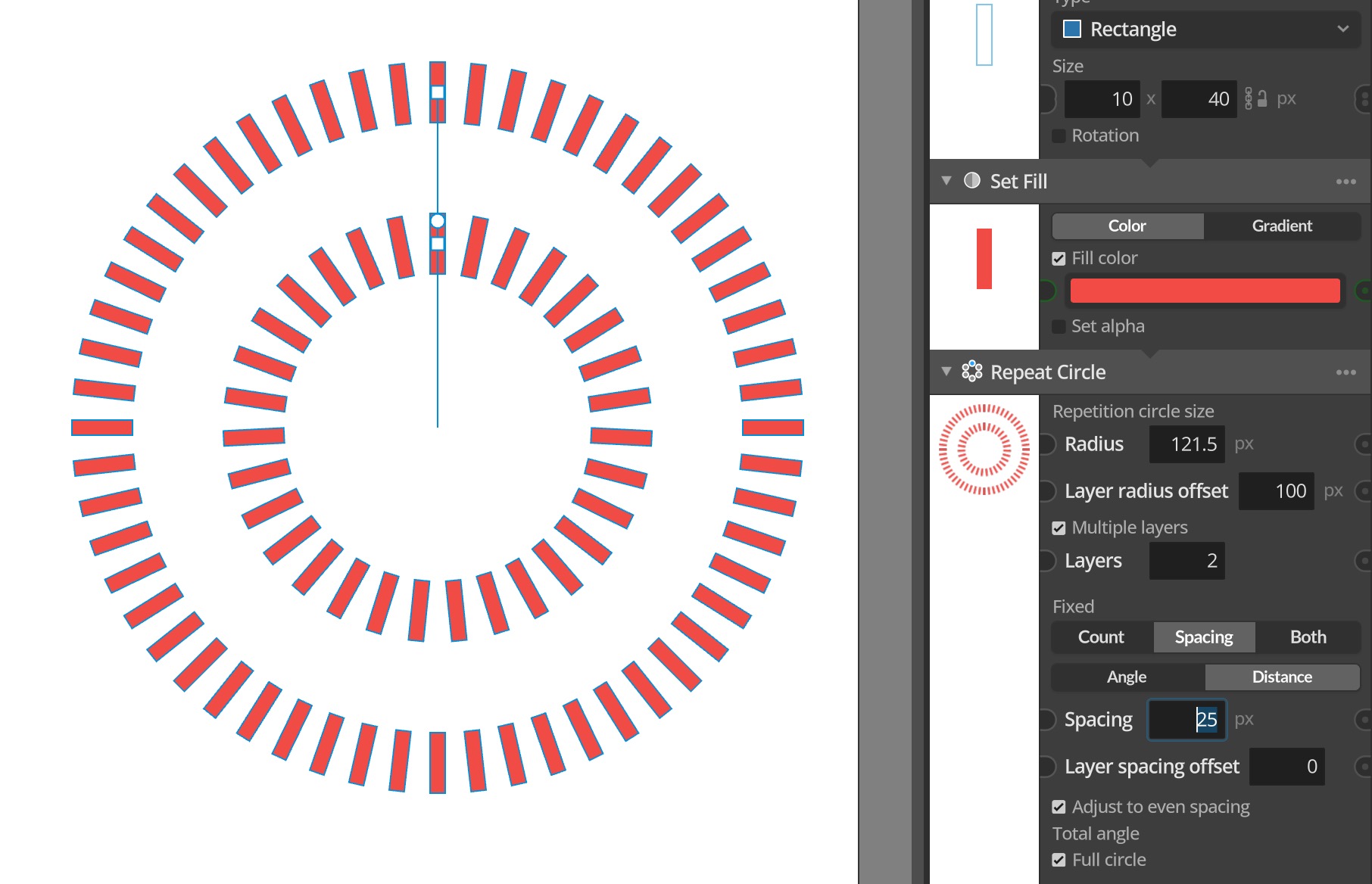
This update brings a couple of improvements and new features to the Circle repeater along with some bug fixes. The Circle repeater now features multiple repeater modes, similar to the Line or Area repeaters, so you can chose to either set the count and have spacing be automatic, or control the spacing and have the…
-
Paragraphic for education
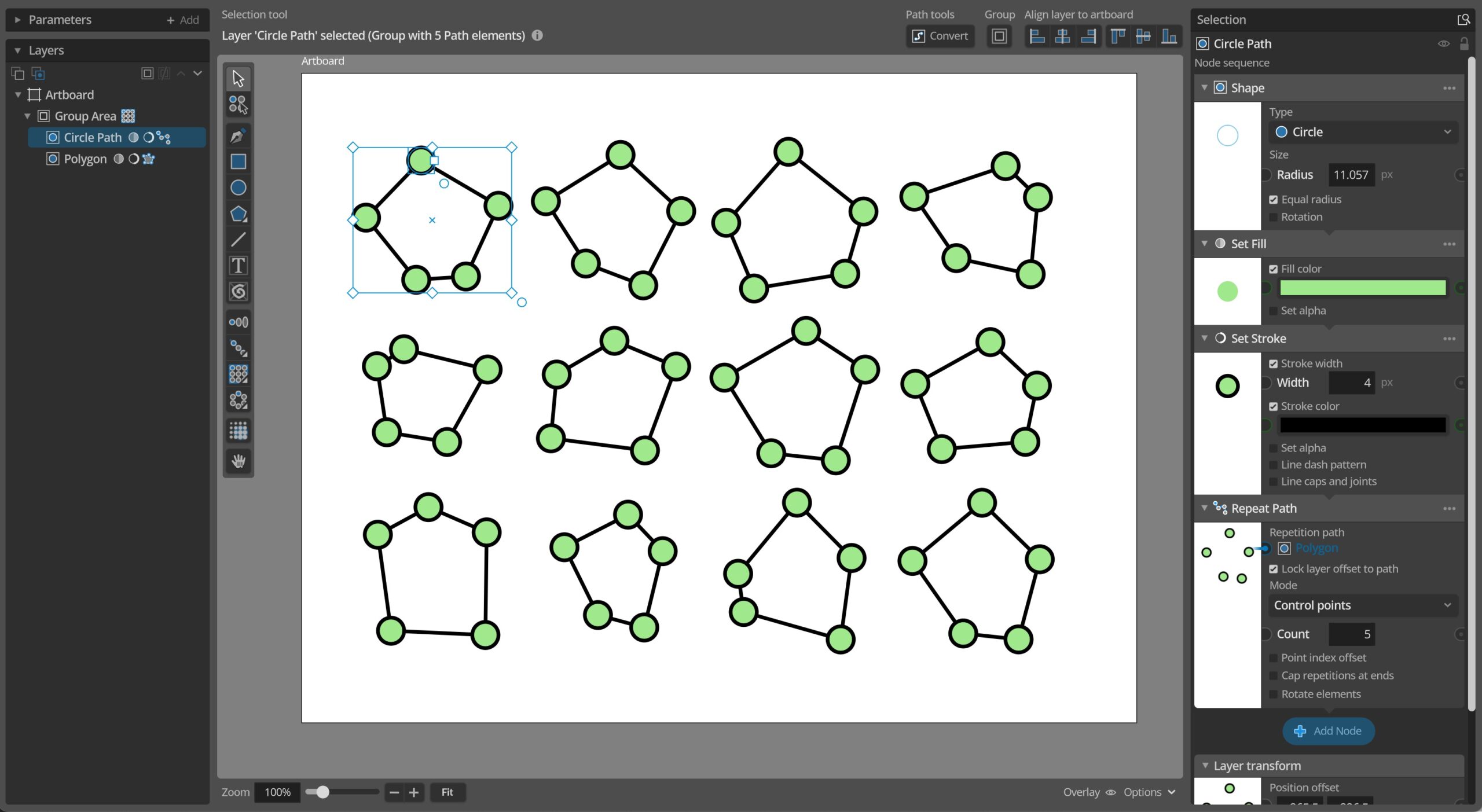
We know the money can be tight for schools and students alike, so we now offer an Educational Site license option for any school / university or other educational institution interested in Paragraphic. With this license you get unlimited users for Paragraphic at a single educational location, meaning you get the application for all students…
-
Version 1.5.4 released
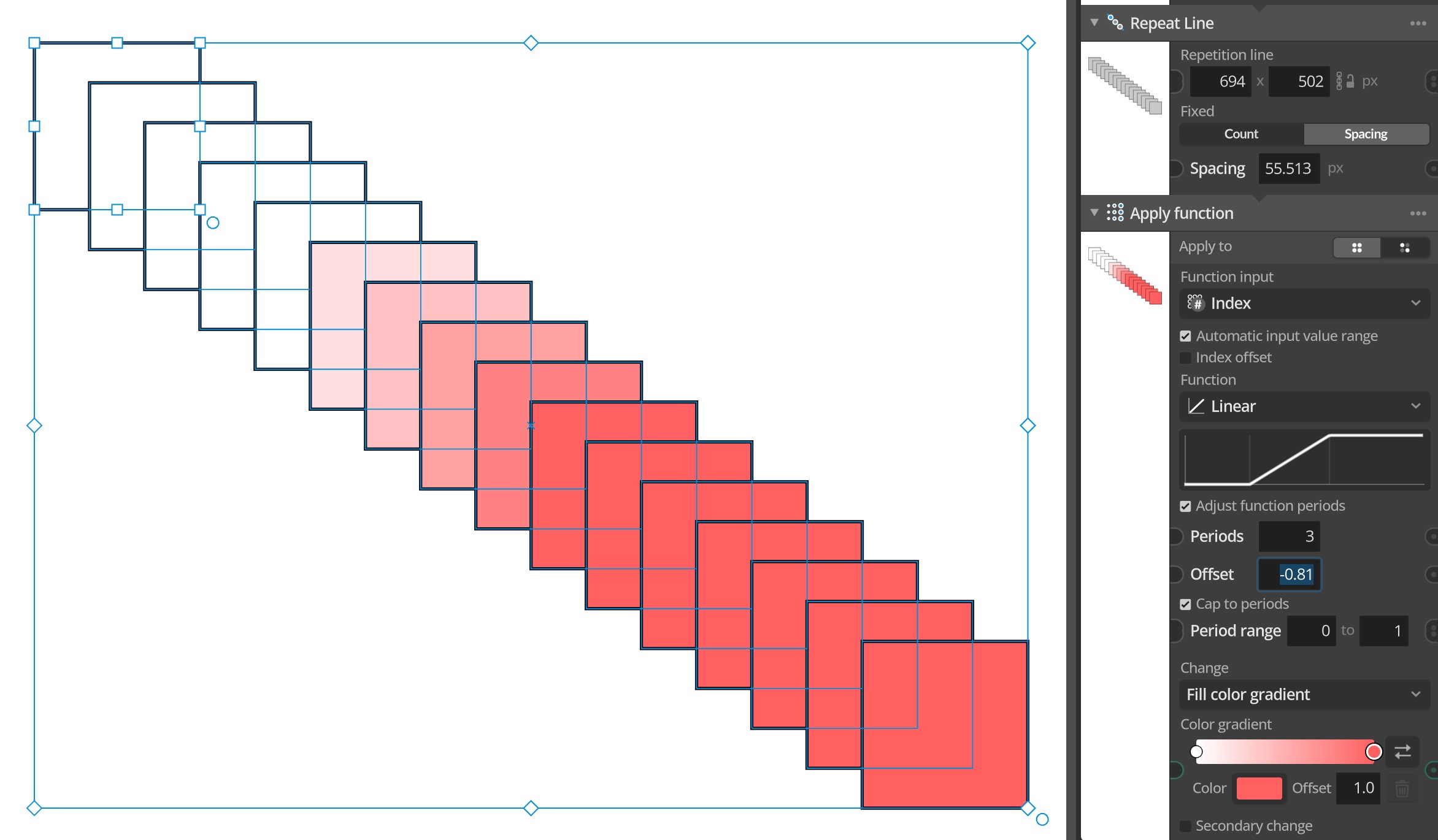
Another update with a couple of new features, UI/UX improvements and some bug fixes. A first notable new feature is the new Cap to periods option available in all nodes that use value functions (Like Group Apply function, Index function value input nodes etc). This new option is available when you have adjusted the function…
-

Basics – Index-based generation
When working with repeaters and groups in Paragraphic each element and repeater iteration is assigned a number, or index as it’s called in Paragraphic. These different indexes can be used both for selecting what elements to apply changes to and to serve as input to generate dynamic repetitions that gradually change. This video below covers…
-

Version 1.5.3 released
Another smaller update with mostly fixes to various bugs and under the hood improvements. It also brings some improvements like improving the usability of the Mirror Repeater node and adding a new Reverse Path node that changes the direction of a path, which can be useful when joining paths together or repeating elements along a…
-

Version 1.5.2 released
This update is another follow up path after the bigger 1.5 feature update. It does however add a couple of new features, most of them related to working with paths with multiple improvements to opening and closing freeform paths and a new Join Paths node that lets you combine multiple open path elements into a…
-

Version 1.5.1 released
This update contains no big new features and is mostly a number of fixes to bugs in the bigger 1.5 feature update and smaller improvements that didn’t make it into the last update. Full update change log: Changes and improvements– Snapping now disregards hidden layers.– The Artboard tool can now draw new artboards in any…
-

Version 1.5 released
This new feature update of Paragraphic is themed around improving drawing tools in general, with a new dynamic snapping system and working with paths in particular with new features for working with path symmetry and offset. In addition to these and other new features the update also brings some big changes under the hood for…
-

Website hosting move
After some availability and DNS issues with our previous host for the paragraphic.design website and related services (like downloads and update checking) we’ve now moved the site to a new web host. Hopefully this will be a smooth transition and improve uptime in the future, but there might be some hiccups while the move is…
-

Version 1.4.4 released
This update is another smaller update with improvements the undo/redo system with better grouping of actions and fixes to a number of undo-related issues. It also adds a new font picker panel with filtering and a list of recently used fonts to make selecting fonts easier. The update also cleans up and changes a couple…