
Development blog
Here you can find recent development updates and more detailed posts about different techniques or concepts in Paragraphic.
Along with development updates there will also be occasional Documentation posts describing specific features. If you’re new to Paragraphic you might want to start with the Basics, posts that cover some of the basic features and concepts.
-
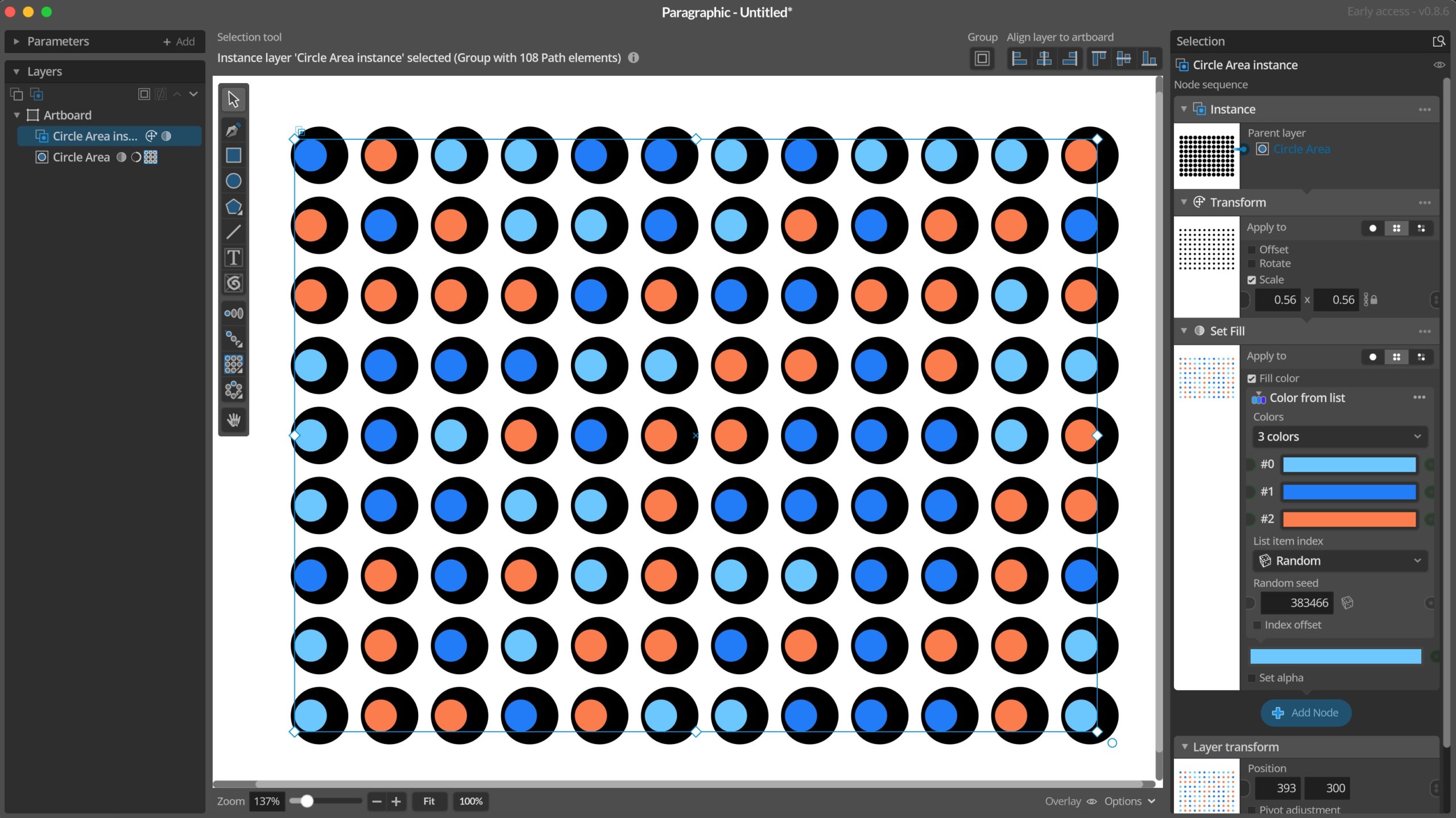
Version 0.8.6 released
Today the first little update after the start of early access has been released. The plan is to release such smaller updates quite frequently during the early access period, as new features are added and bugs fixed. So expect many smaller updates rather than more substantial larger updates. Changes and improvements– Added new Color from…
-
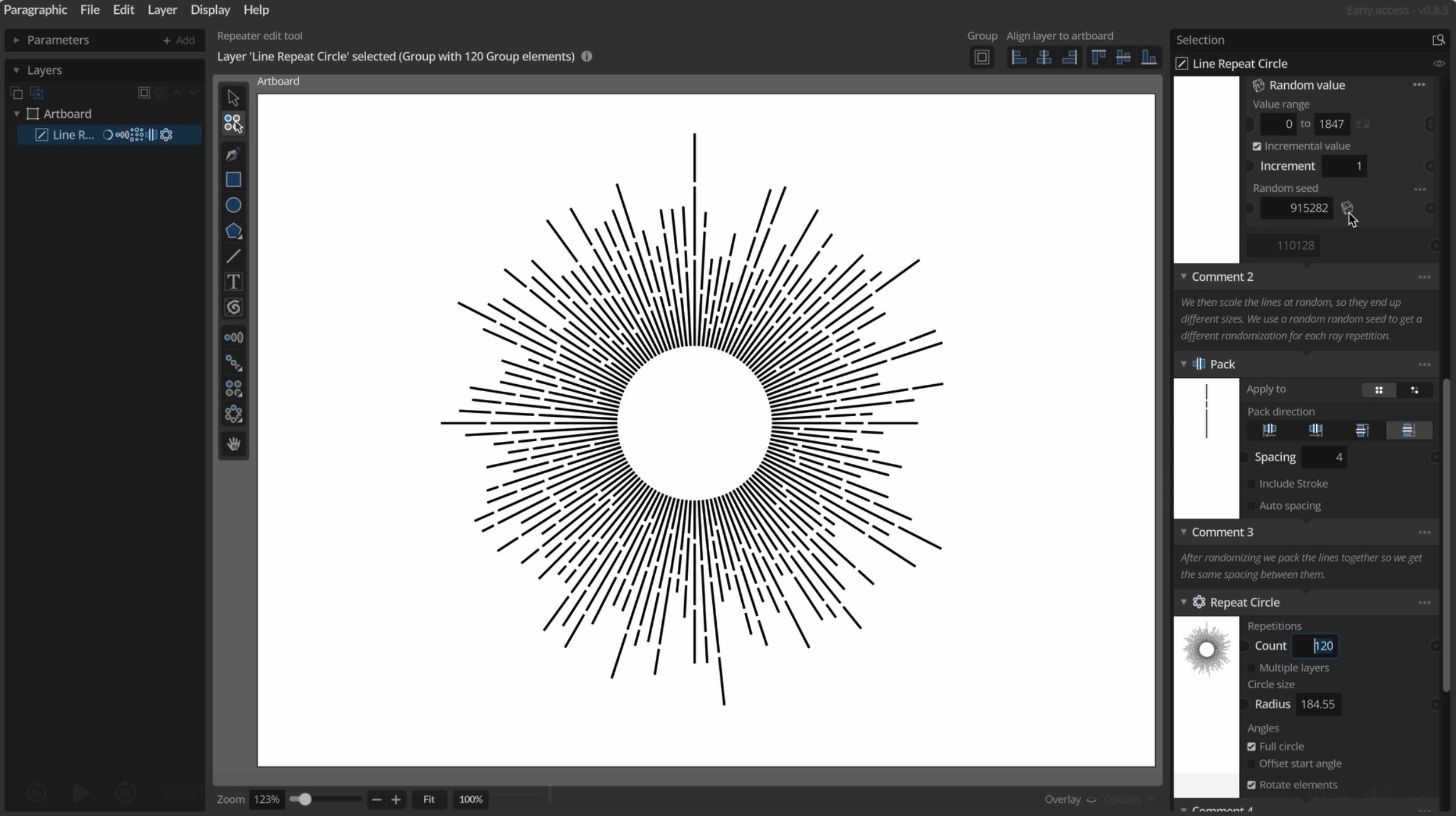
Early access release
After many years of ideas and planning, and a little more than a year of active development Paragraphic is now available in Early Access. This means you can download and try the application for free in a Trial mode with some limitations to exports. If you like it you can then buy a license that…
-
Testing phase 2
After a slightly longer than planned testing phase 1 it’s now finally time to move on to the second testing phase. This means that the foundation and base structure of Paragraphic is now finished and tested on real world users. The next testing phase will be focused on adding some more content/features and nodes on…
-
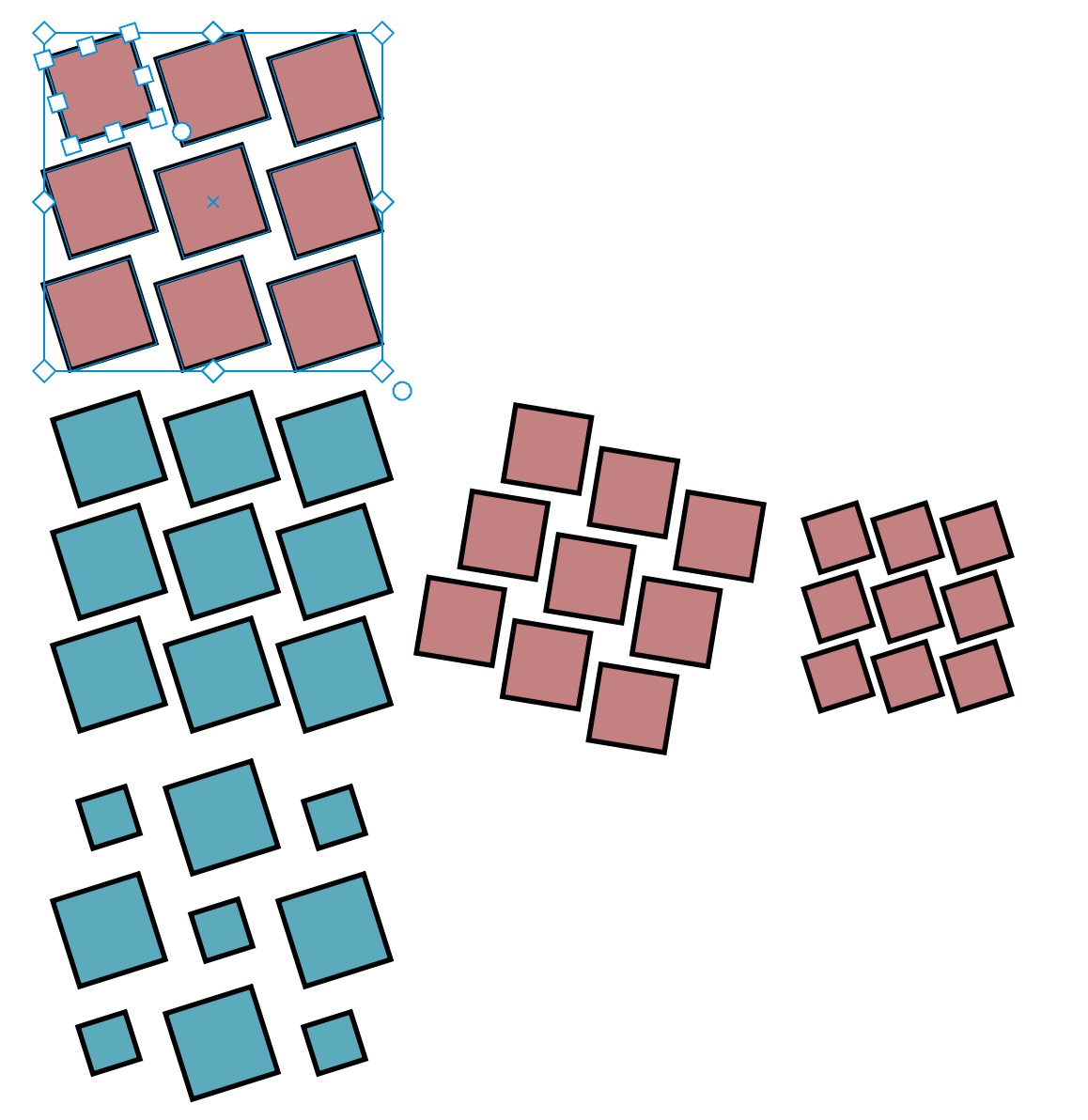
Instance layers revisited
One of the core functionalities of Paragraphic is to make it easy to make repetitions of things, and then modify these repeated elements in various ways to make interesting patterns and effects. Beside the many repeater tools you can use for this, there is also the instance layer feature. Instance layers are basically copies to…
-
Path repeater tool
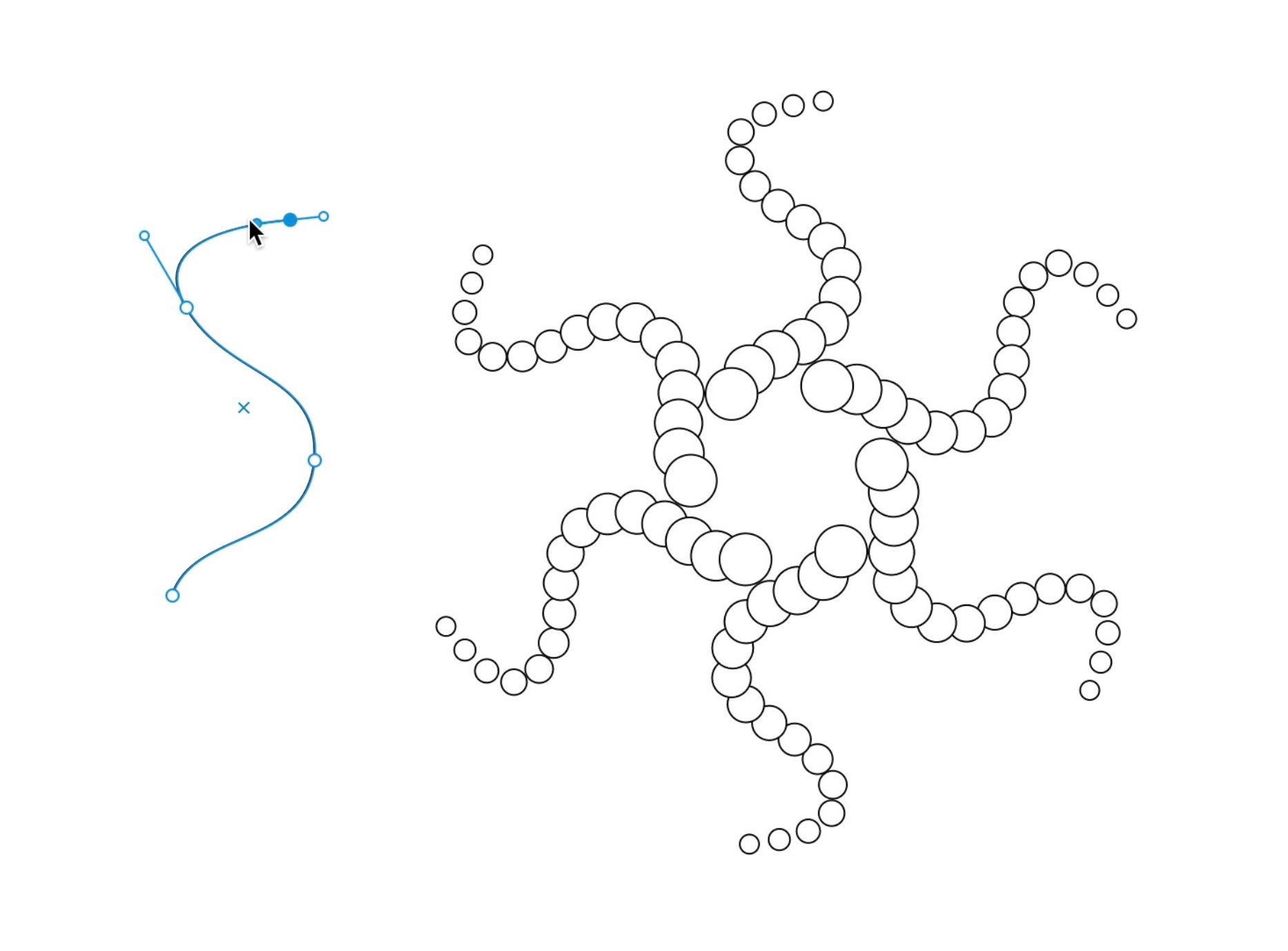
One of the reasons I really wanted to put in the free form path tools was to also allow using these free paths to repeat elements along. And now a first iteration of this Path repeater is implemented. The path repeater node works with two layers in tandem, one layer that you want to repeat,…
-
Change node Apply to modes
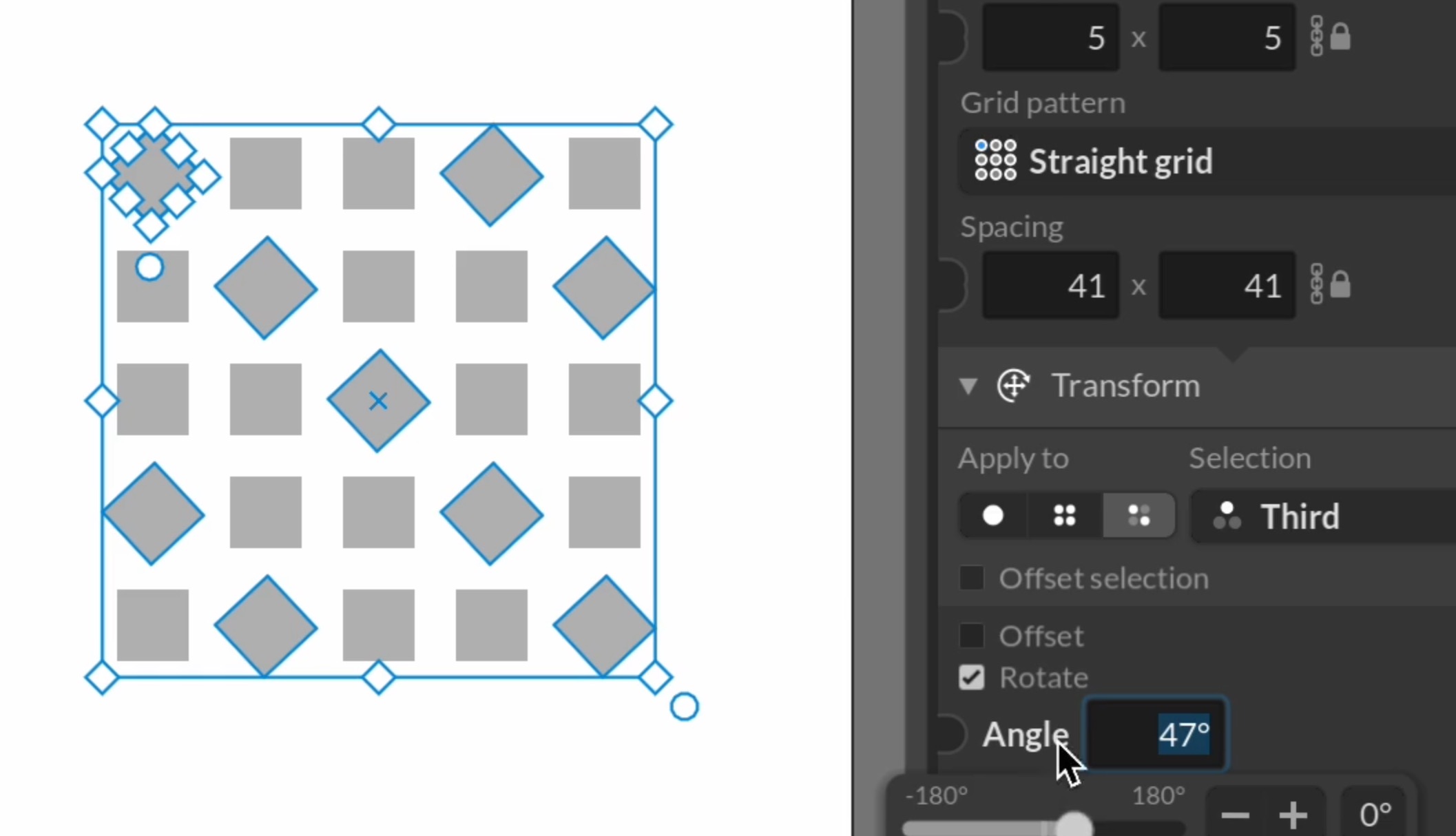
While the repeater nodes that allow you to easily create repeated patterns from elements are very powerful on their own, you can do even more by combining these with change nodes that apply various changes to elements (like rotating, scaling or changing their color). And to get the most out of this it’s important to…
-
First sample files
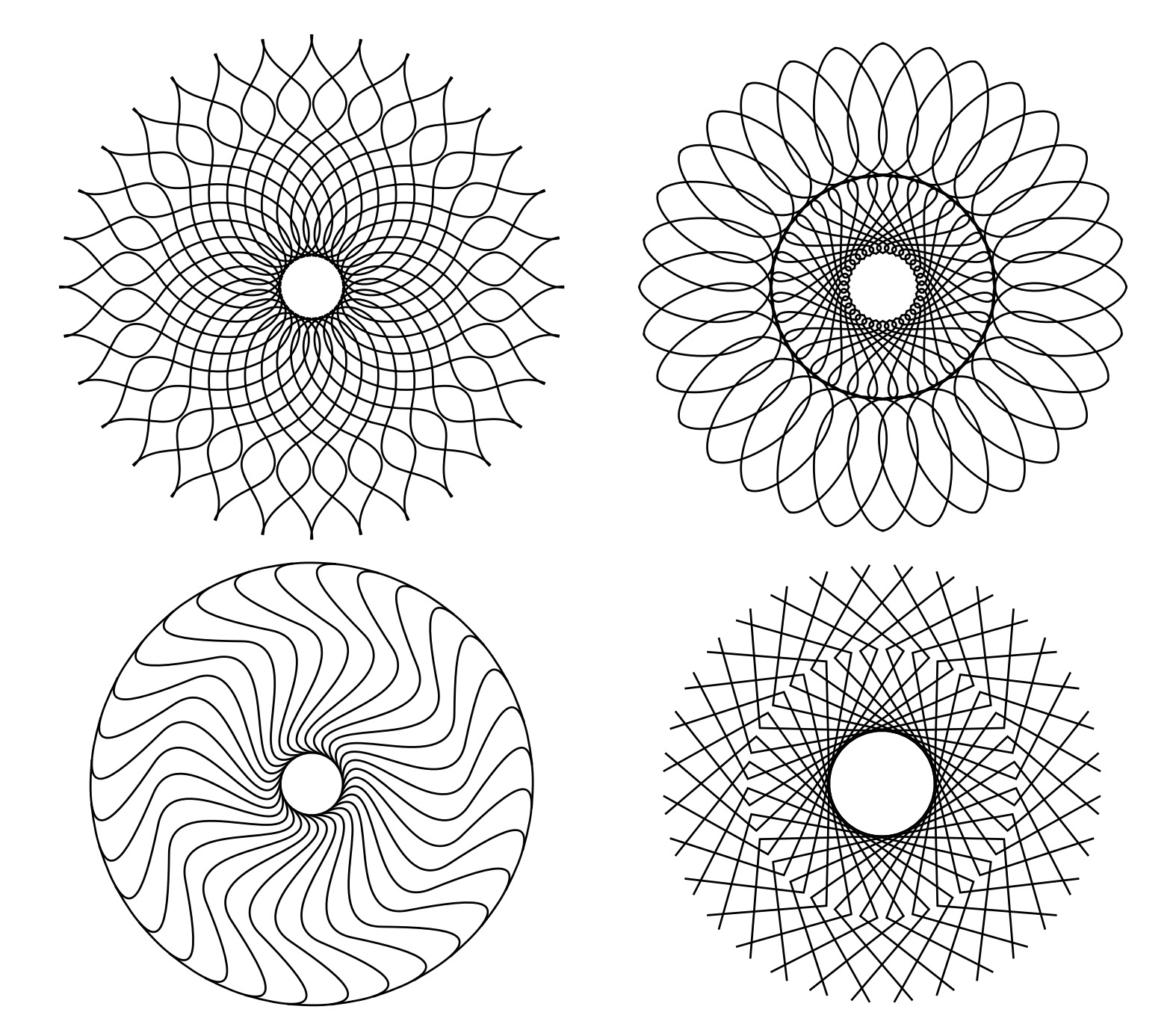
One of the most important challenges I’ve had in mind working with Paragraphic is how to help new users get started and figure out what you can do (and how) with the software. I’ve worked a lot on interface features like warnings, tooltips and visual hints/feedback along with a brief “Getting started” introduction (with videos!)…
-
Improved repeater tools
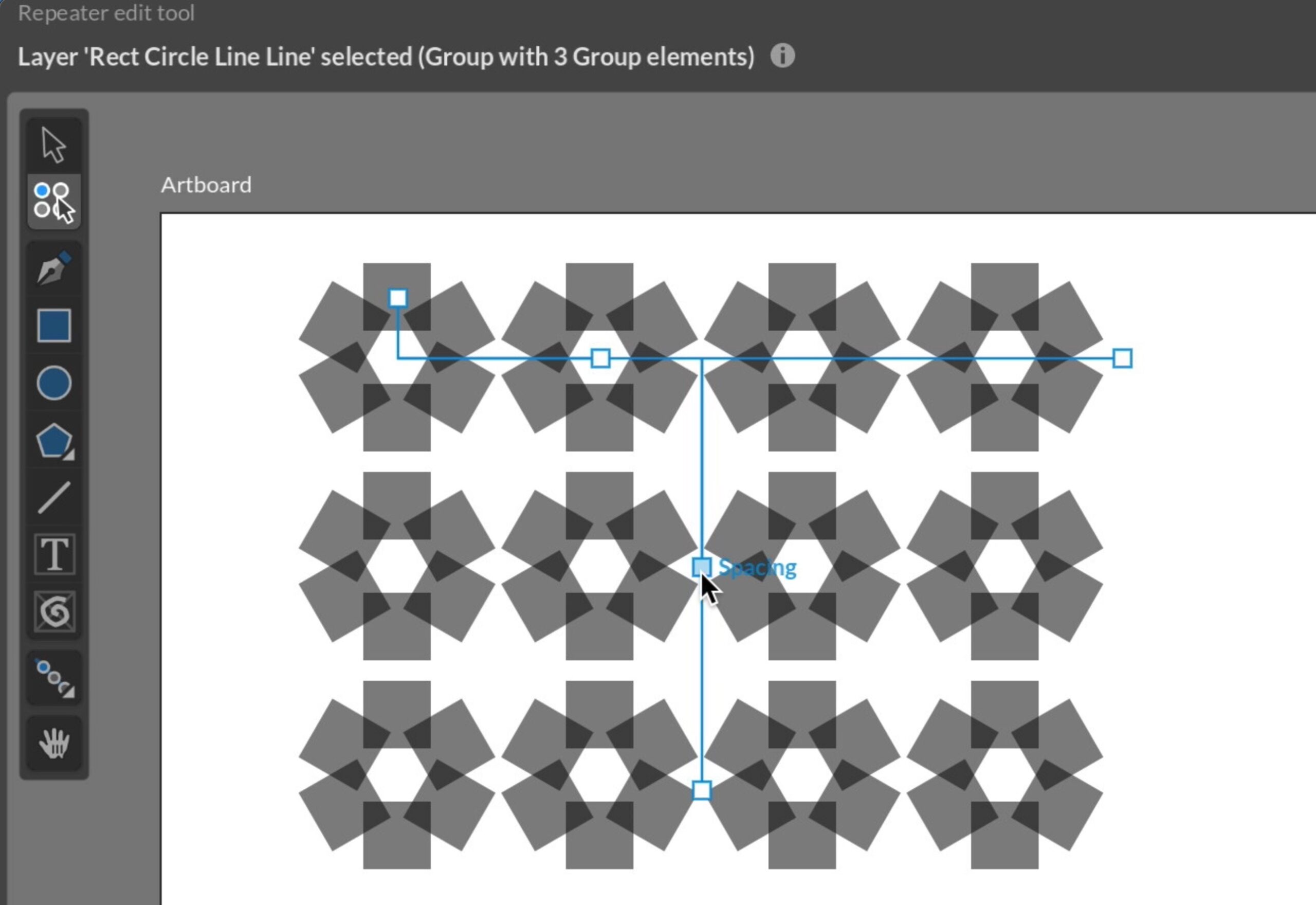
While the repeater nodes that allow you to add repetition patterns to layer have been around for a long time I’ve now added some new and improved visual tools for easily adding them. You can still just add a repeater node to the layer yourself if you prefer, but now there’s also the option to…
-
Free-form path tools
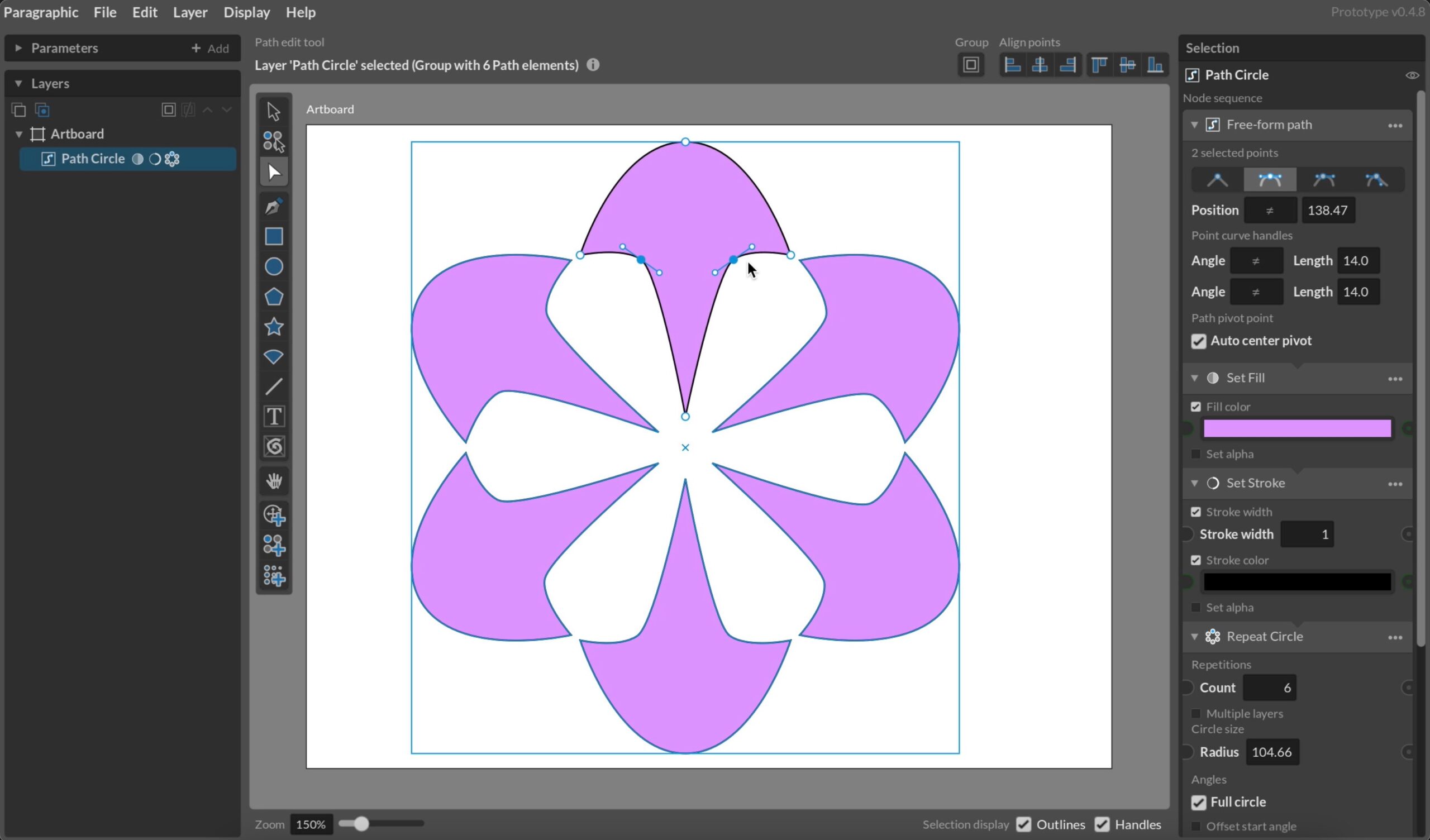
A big a complex chunk of functionality I’ve been putting off for a while is free-form path drawing. It’s a standard tool in practically all vector design software, but requires a lot of tools and supporting functionality to work well, and it’s a challenge to fit into the more rigid structure of a parametric design…
-
SVG Imports
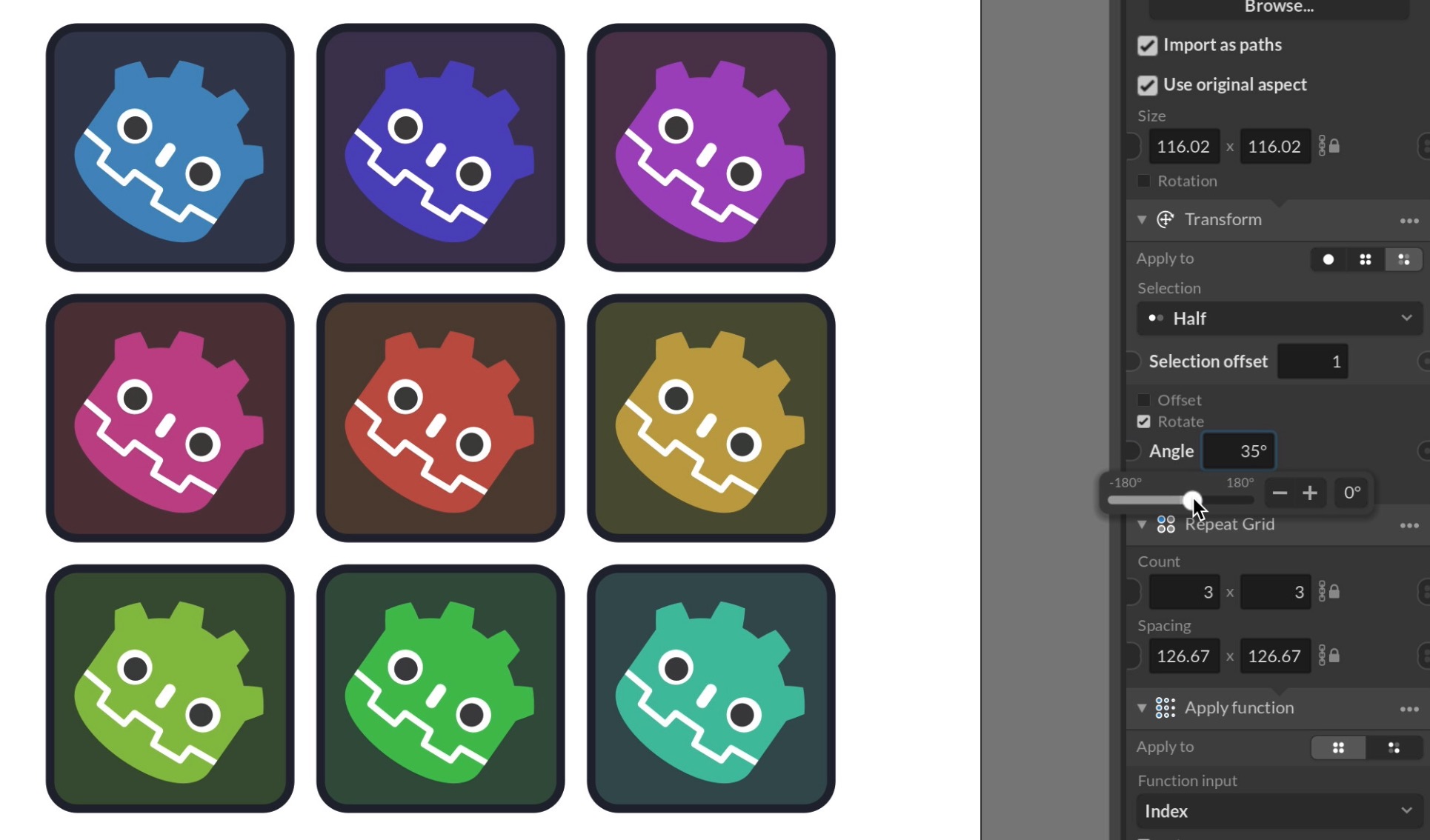
An early ambition with the design of Paragraphic was to make the feature set and structure close to the SVG standard. This was to facilitate export of designs to SVG, but also to import SVG content more seamlessly from other sources. While far from feature complete I’ve now implemented at least basic SVG import support,…