
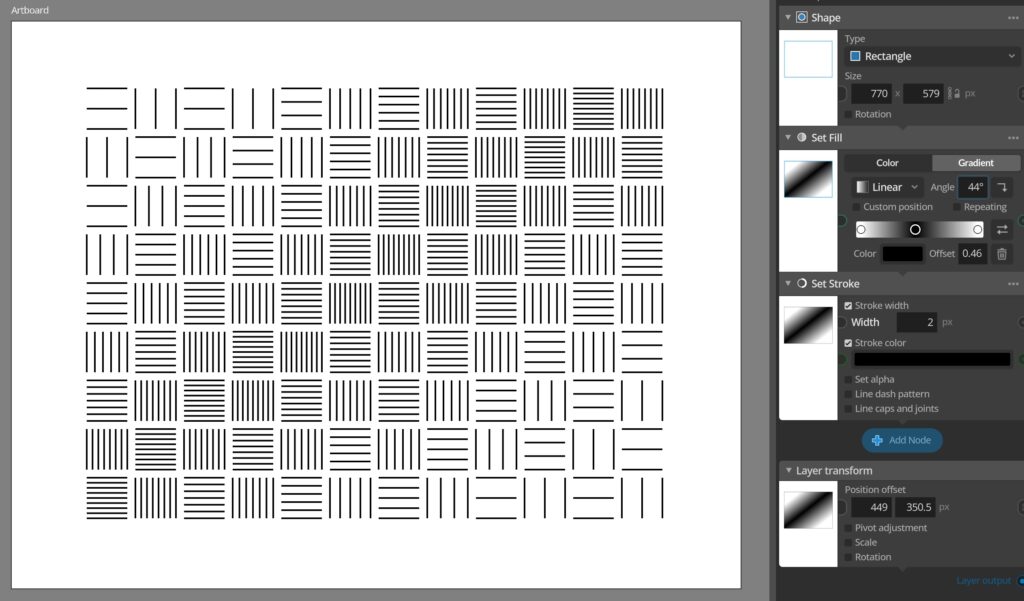
This is a follow-up update that fixes some regression bugs from the 1.3 update and improves some of the new features added there. The update also bring one new very powerful feature in the shape of the Value from layer and Color from layer input nodes, that allow you to sample values and colors from layers during generation. This works similar to the Apply Layer node, but allows for a lot more freedom in how you use these sampled values during generation.
You can read more about how this works here: Sampling values from layers
Full update change log:
Changes and improvements
– Added Value from layer and Color from layer input nodes that allow sampling a different layer in a specific point and using this color or value in any parameter during layer generation.
– Added toggle between relative and absolute row and column offsets in offset grid patterns in the Grid and Area repeaters.
– You can now alt-drag to duplicate color stops when editing color gradients.
– When adding Index value and Index function input nodes these will now be better at selecting a suitable generation index from the start, instead of the current node group index.
– Node descriptions are now shown as a tool tip if you hover node panel headers.
Bug fixes
– Fixed invalid app manifest on Windows from v1.3.0.
– Fixed crash when using color picker on macOS 10.15 due to changes in v1.3.0.
– Fixed node preview rendering issues in some cases when disabling nodes.
– Fixed Halftone tool sometimes dropping area handle immediately resulting in a 0x0 halftone area.
– Fixed some issues with updating path repeater and transform repeater overlay handles.
– Fixed some issues when removing the last stop for a color gradient.
– Fixed some incorrect sampling when disconnecting an Apply layer node sampled layer, changing the layer and then reconnecting it to the node again.
You can check for updates and download the latest version from within Paragraphic if you have it installed, or you download it from paragraphic.design