
Development blog
Here you can find recent development updates and more detailed posts about different techniques or concepts in Paragraphic.
Along with development updates there will also be occasional Documentation posts describing specific features. If you’re new to Paragraphic you might want to start with the Basics, posts that cover some of the basic features and concepts.
-
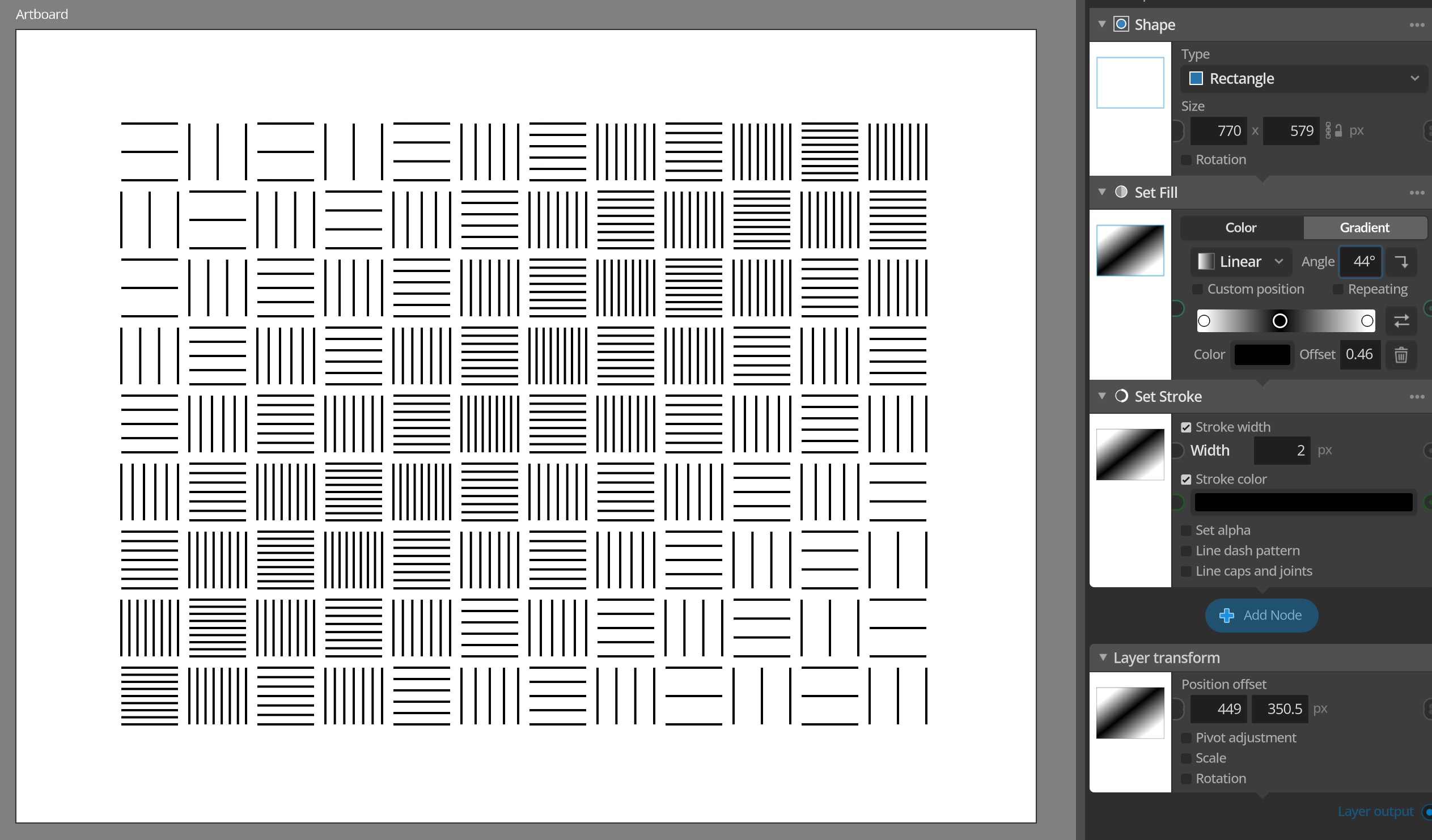
Version 1.3.1 released
This is a follow-up update that fixes some regression bugs from the 1.3 update and improves some of the new features added there. The update also bring one new very powerful feature in the shape of the Value from layer and Color from layer input nodes, that allow you to sample values and colors from…
-
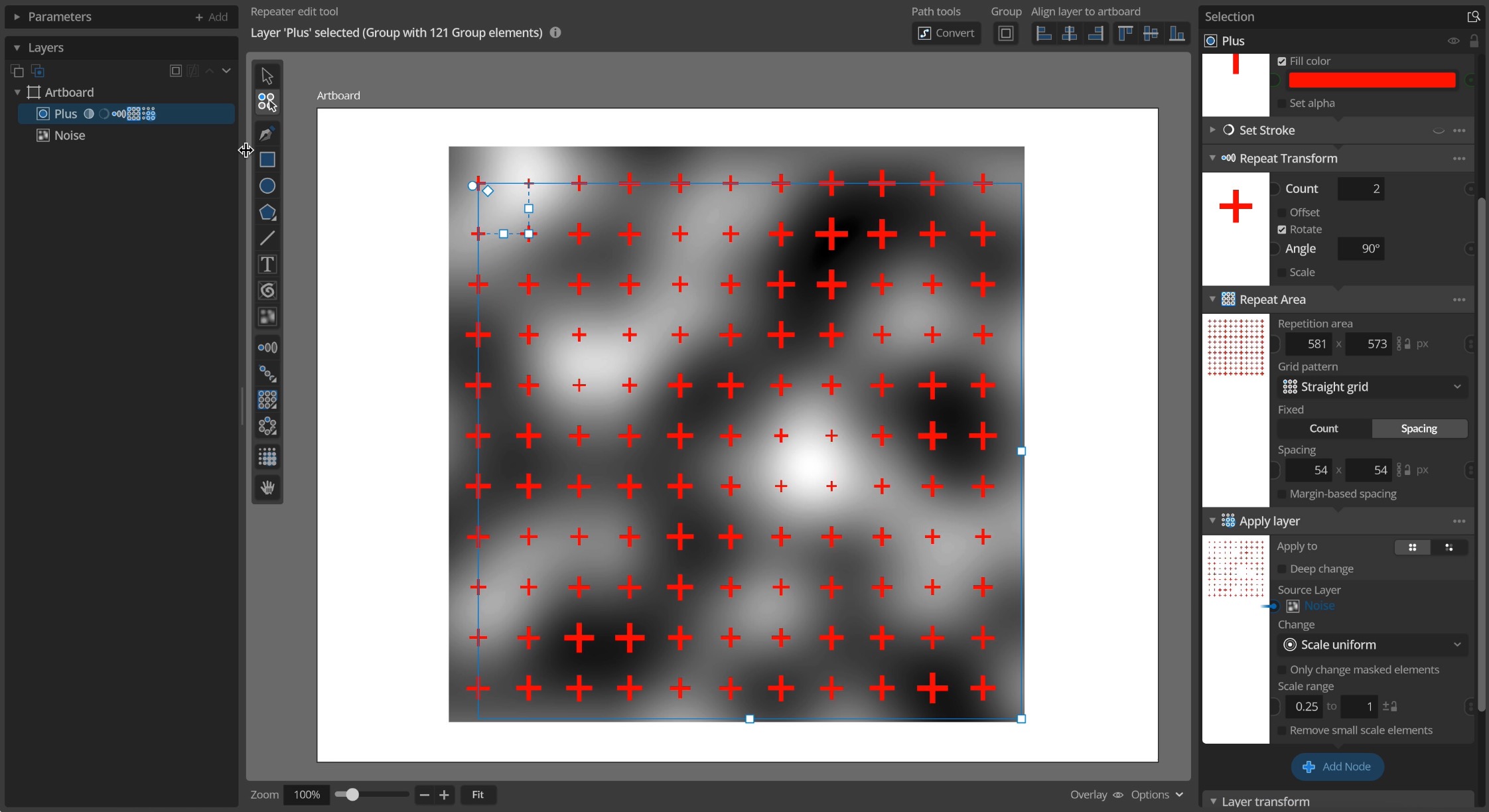
Procedural noise
This is an introduction to the Procedural 2d noise features added in update 1.3. This video gives you a quick introduction and some examples, or you can read more details below Noise texture tool To add a noise layer to you document you can use the new Noise texture tool and draw a rectangle where…
-
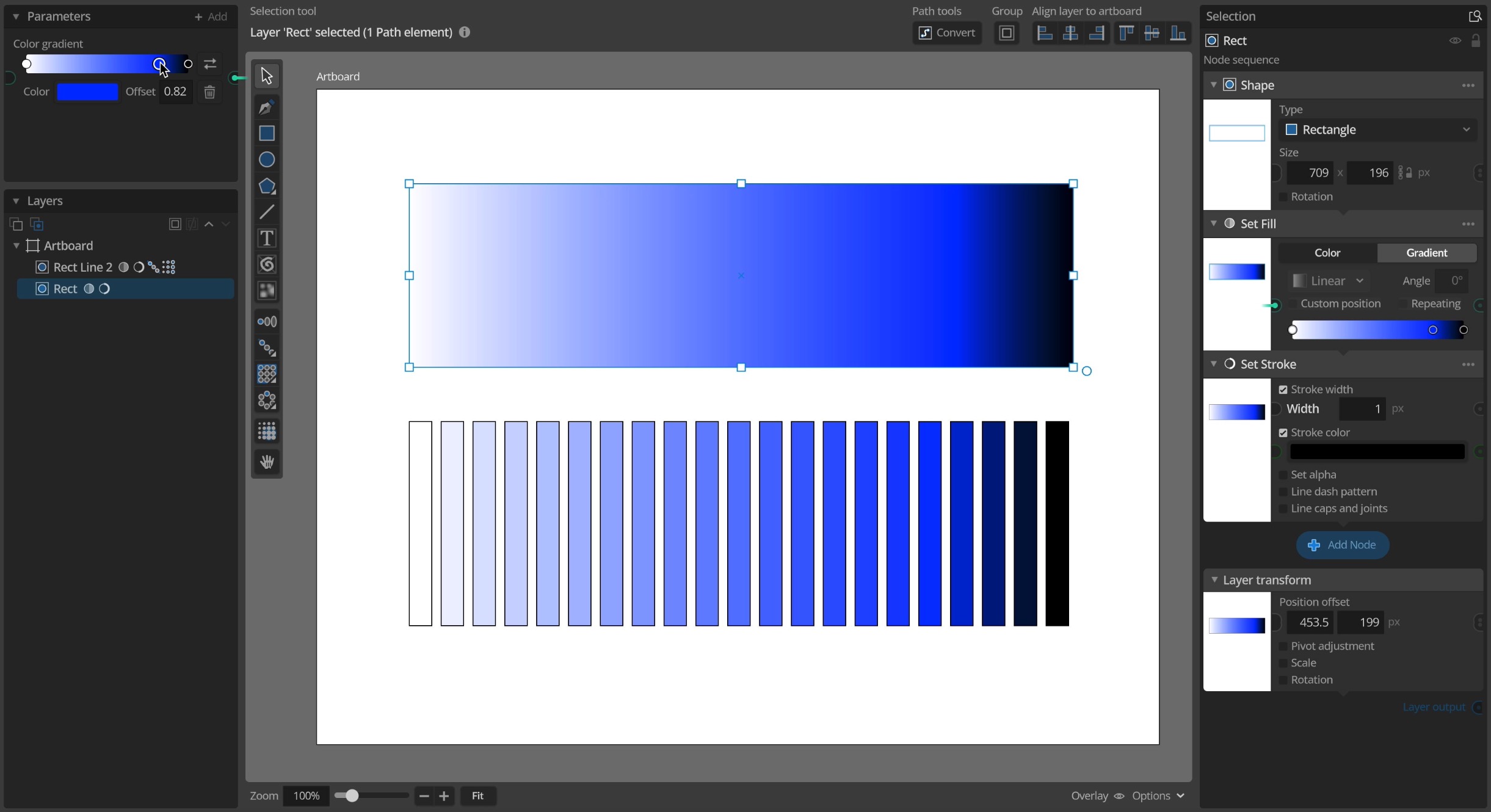
Color gradients
This is an introduction to the color gradient features added in update 1.3. This video below gives you a quick introduction and some examples. Using gradients for element fill Color gradients have been a standard feature in many vector design tools for a long time and you can now use them in Paragraphic as well…
-
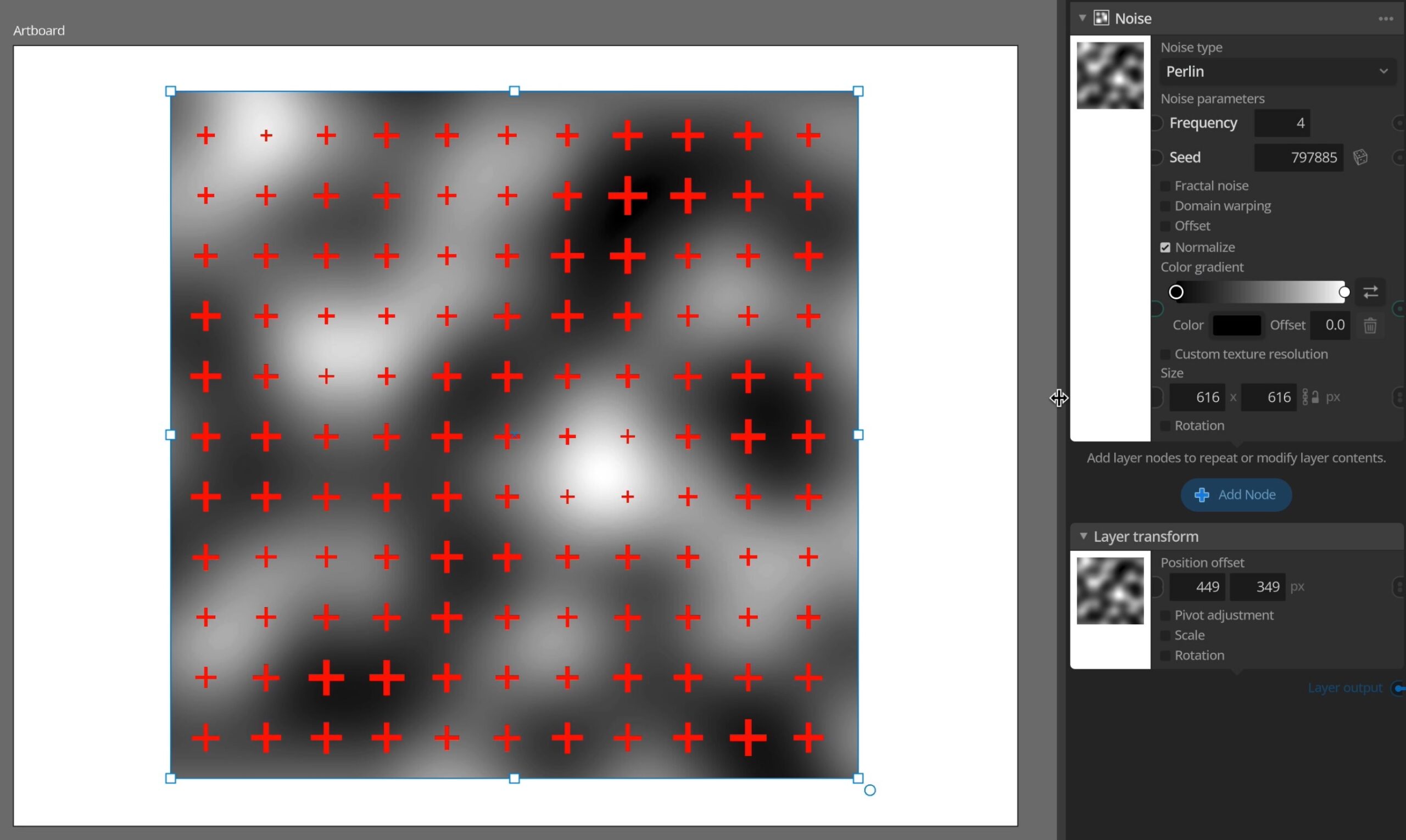
Version 1.3 released
In this new feature update of Paragraphic two major new features are introduced: Color gradients and parametric noise layers. Along with these new features the update also includes a lot of smaller fixes and improvements, particularly in the areas of importing SVG and pixel-image content. You can get a quick introduction to the new features…
-
Version 1.2.5 released
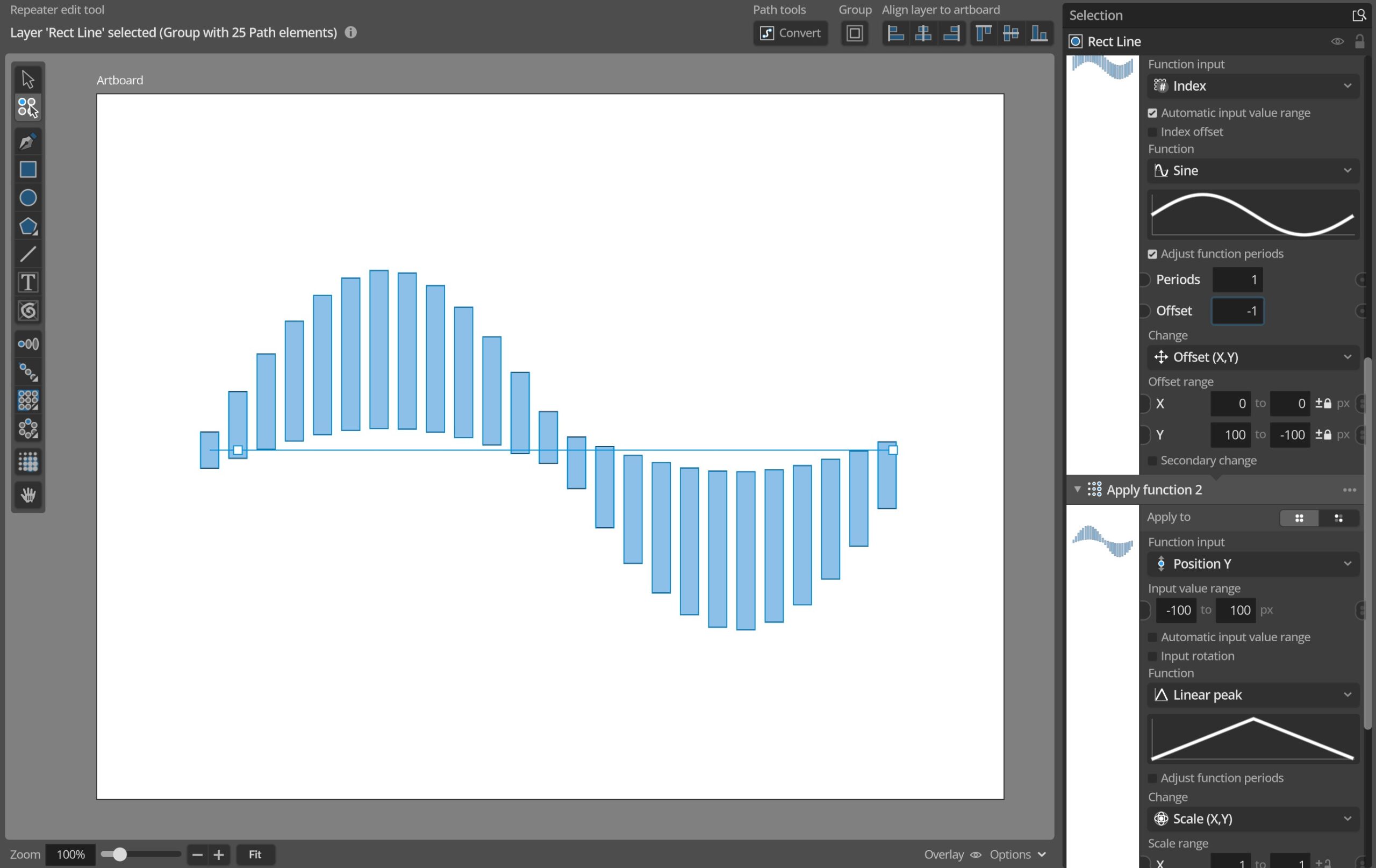
This is a smaller update to get some fixes and smaller additions out before starting work on a larger 1.3 update. Feature-wise the update brings some improvements to the Group Apply Function node, allowing element size to be used as an input and allowing you to set a manual input value range instead of having…
-
Version 1.2.4 released
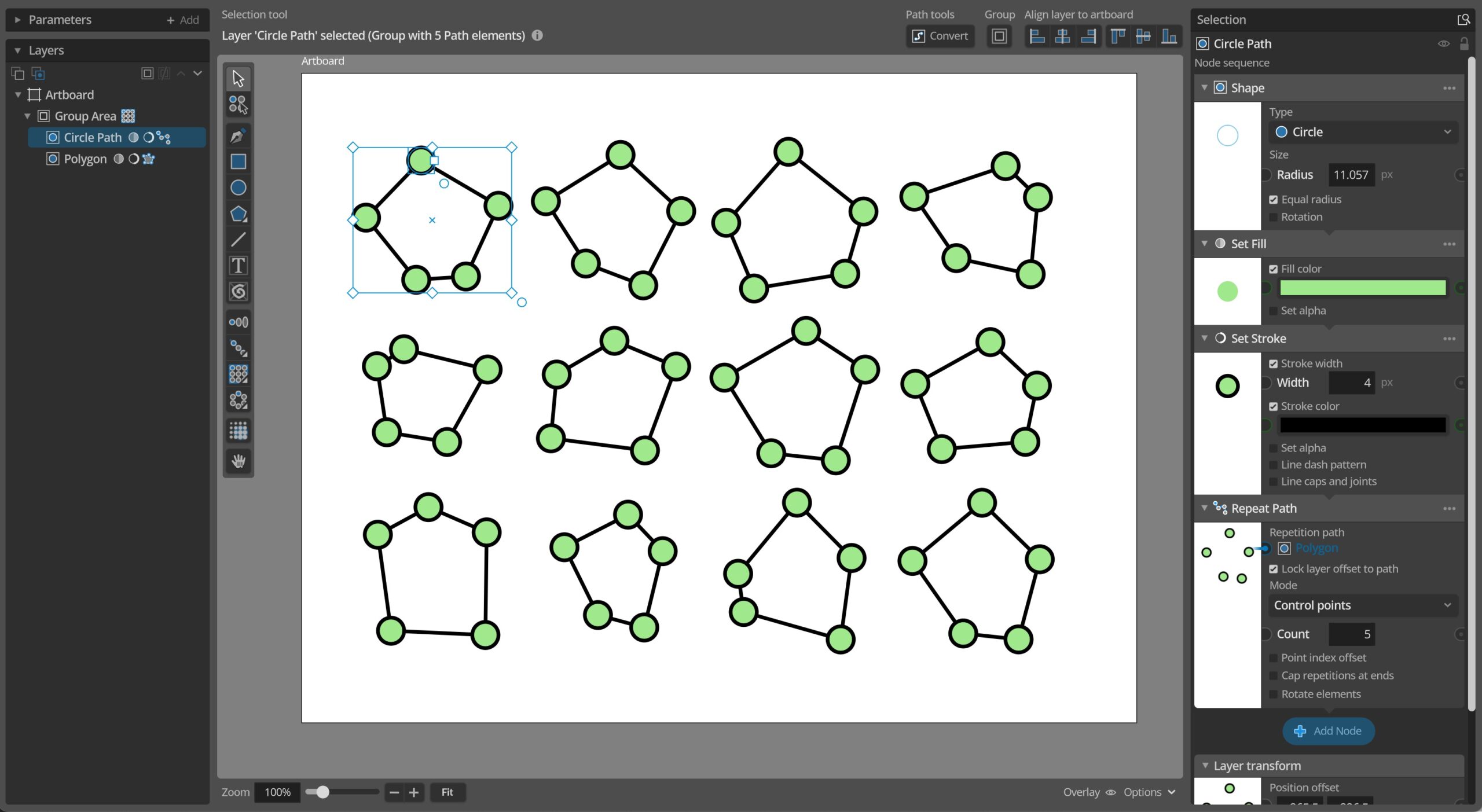
This update adds a new Control Points mode to the Path repeater, allowing to to place repeated elements on the control points of paths instead of along them. For example on the corners of polygons like in the sample below. As you can see this feature also pairs well with the existing nodes to randomize…
-
Basics – Node Apply to modes
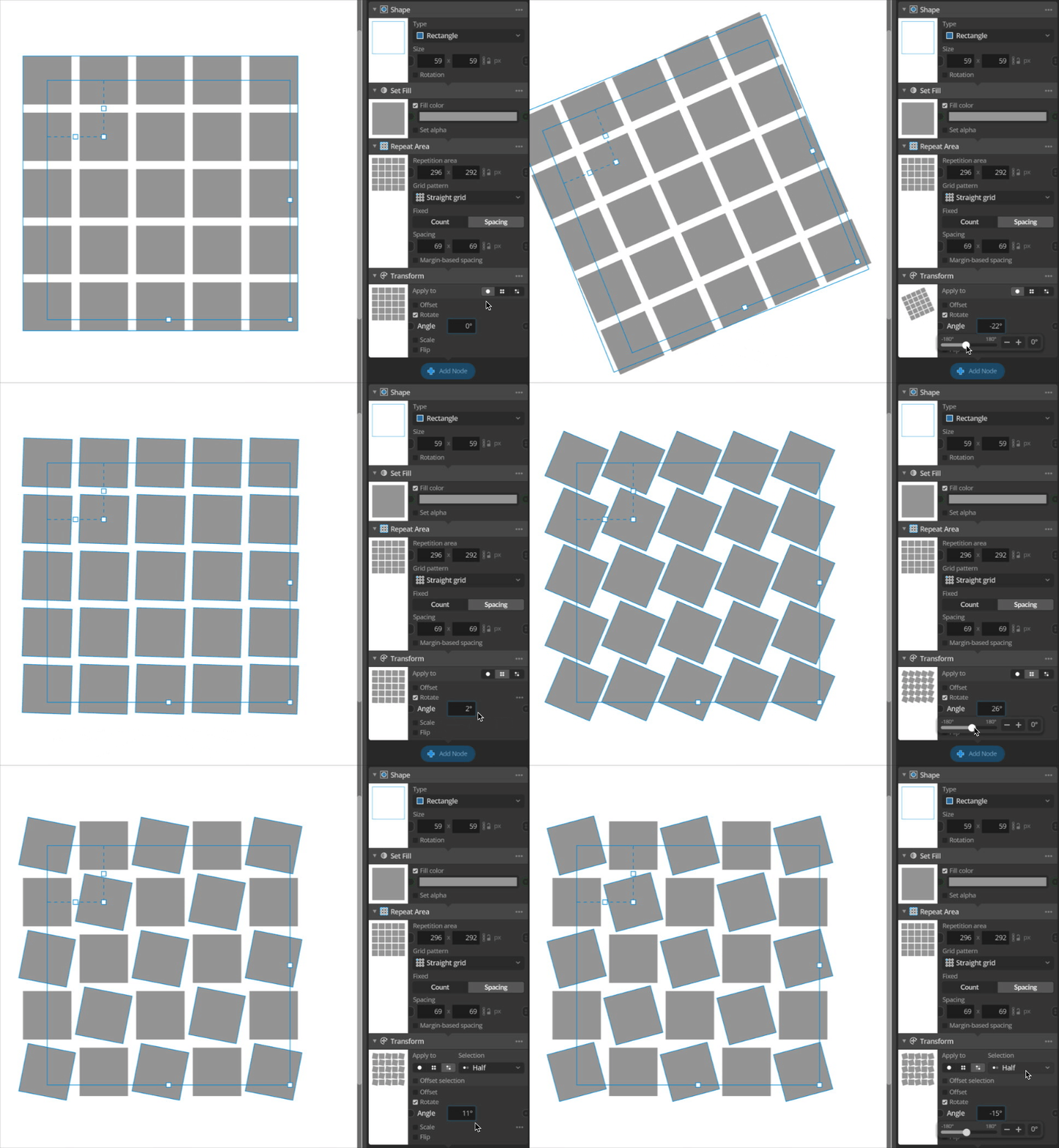
Individual shapes and other objects in layers are referred to as elements in Paragraphic (See Basics – Layers and Elements). Elements can be created and repeated in various patterns by nodes (see Basics – Repeaters), but they can also be modified. For example changing their color, or applying transformations like rotating or scaling them. This…
-
Version 1.2.3 released
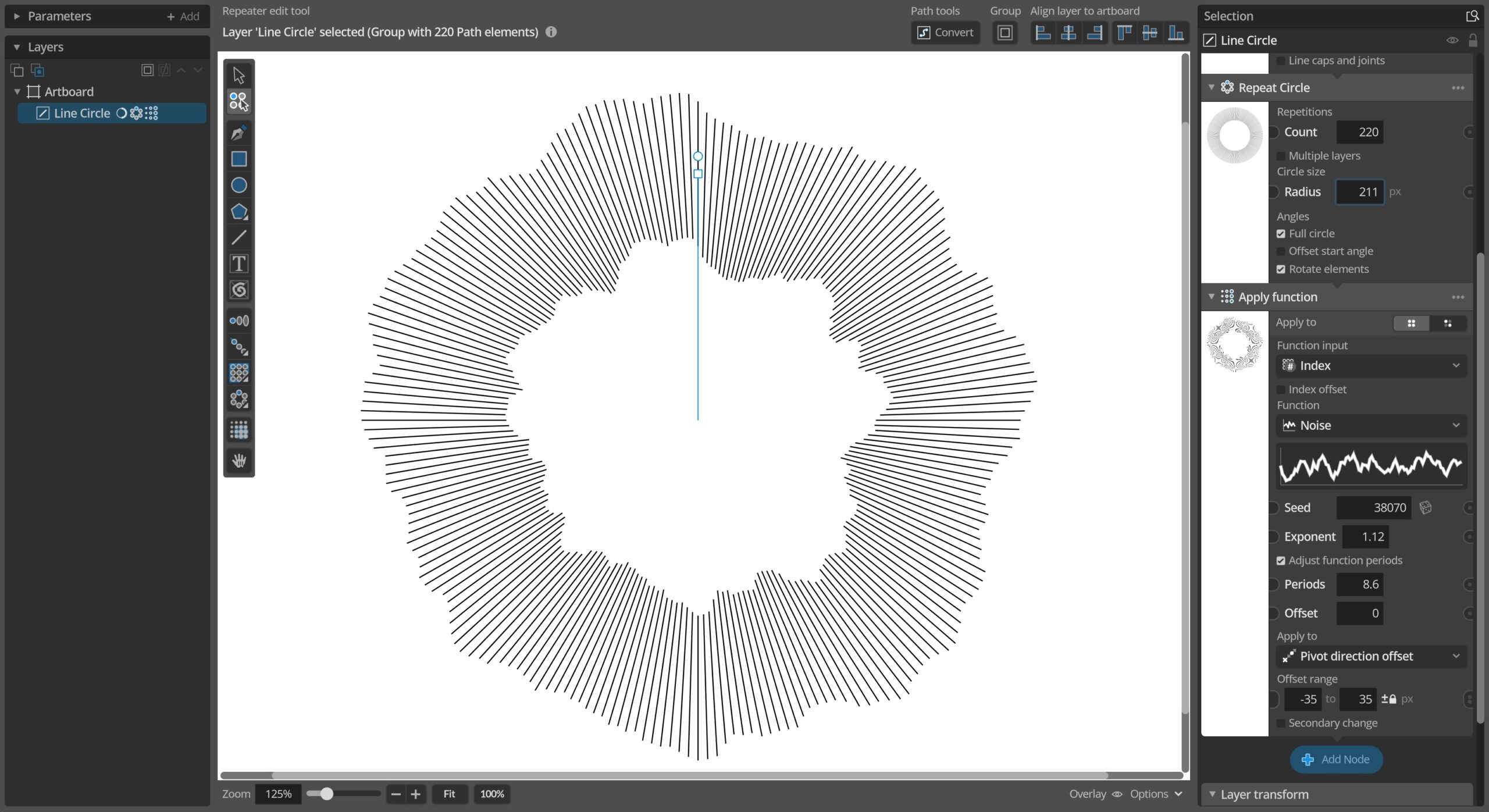
This update adds new ways of transforming elements in groups relative to the group pivot point, either moving them towards/away from the pivot or rotating them around it. These new transforms can be used via the new Group Pivot relative transform node, or as an option in the Apply Function, Randomize etc. nodes. In addition…
-
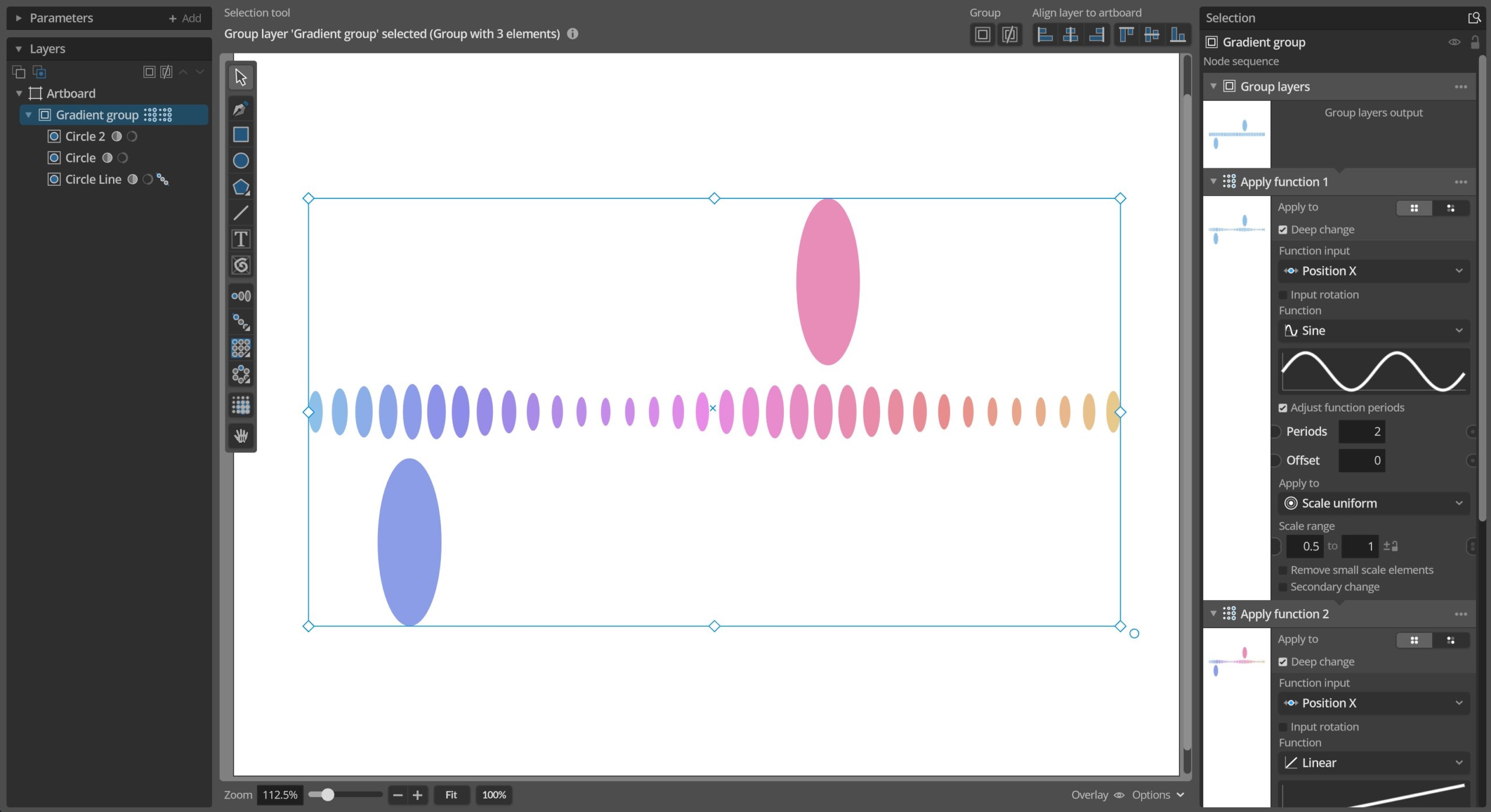
Version 1.2.2 released
This update fixes is primarily a hot-fix to a bug with bitmap format exports in 1.2.1, but also squeezes in another couple of fixes and a new way of copying/pasting colors. Changes and improvements– You can now copy / paste colors as html style hex codes via the color parameter context menu, making it easier…
-
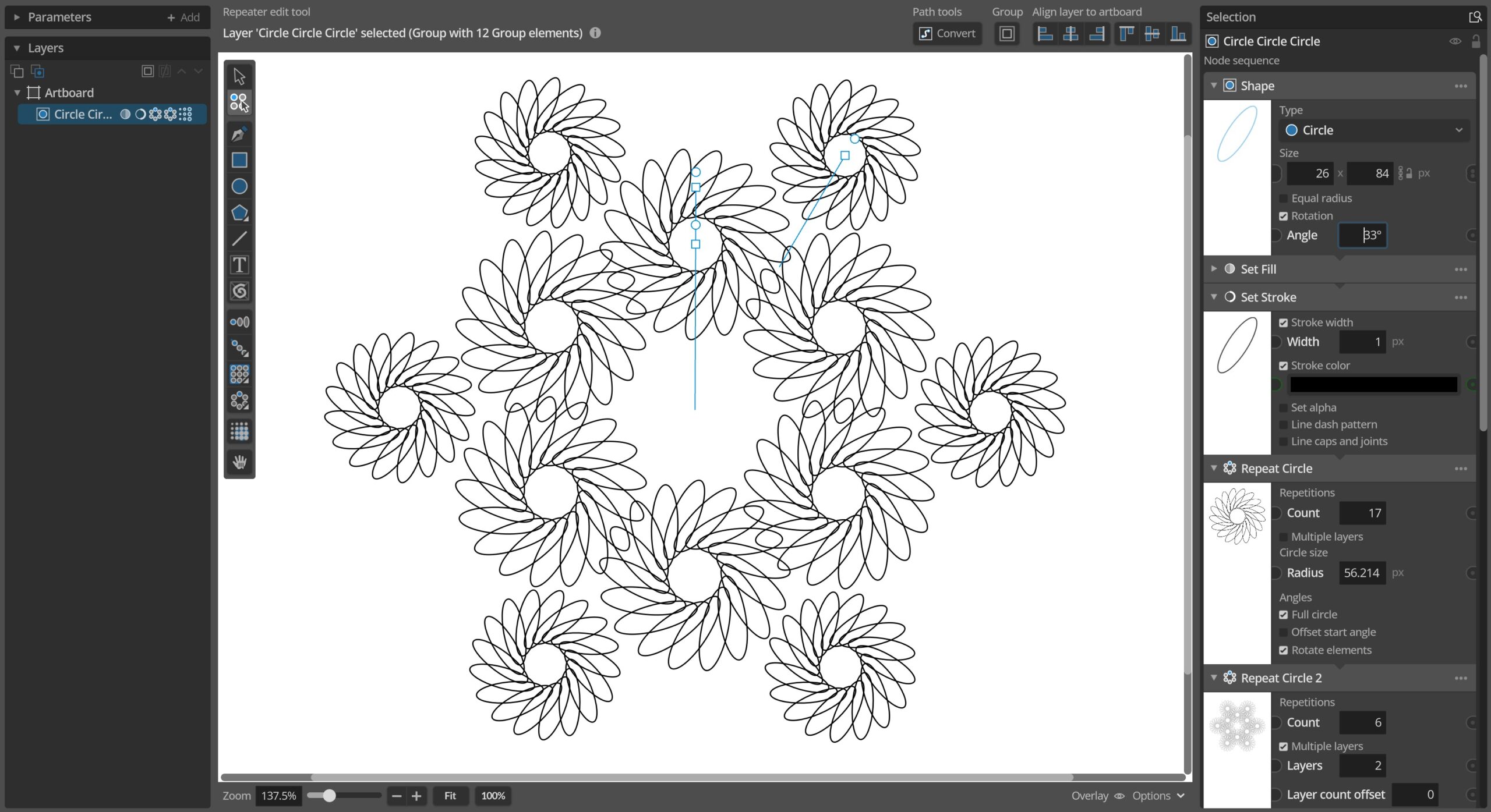
Version 1.2.1 released
This update fixes a number of issues caused by the 1.2 core overhaul along with some UX improvements and other smaller additions. It also improves further on the new multi-threaded generation to make editing complex layers more responsive. Changes and improvements– Smarter aborting and restarting of generation processes for more responsive editing of complex layers.–…