Another update with a couple of new features, UI/UX improvements and some bug fixes.
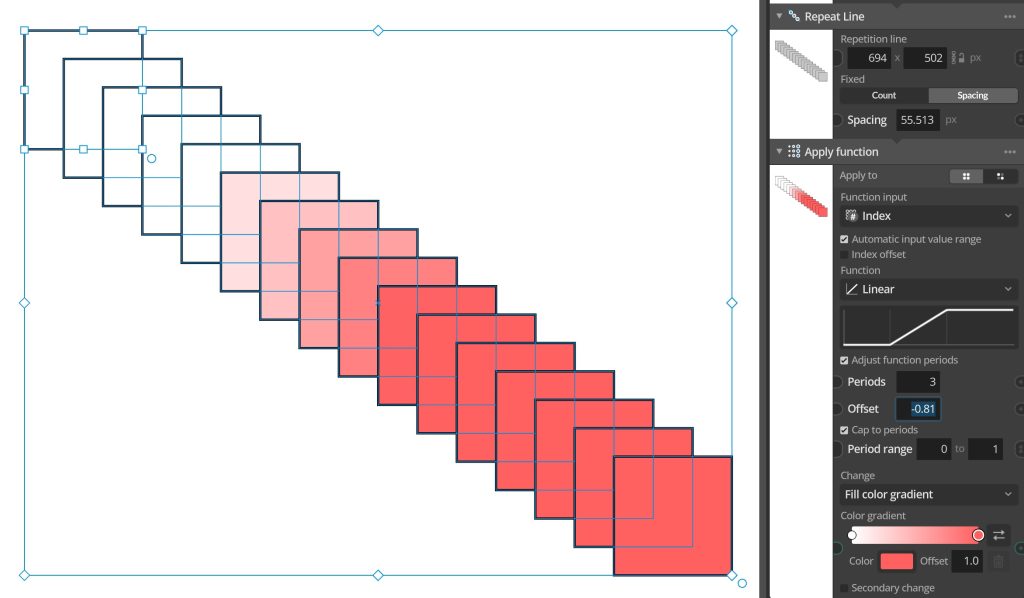
A first notable new feature is the new Cap to periods option available in all nodes that use value functions (Like Group Apply function, Index function value input nodes etc). This new option is available when you have adjusted the function periods (number of periods of period offset) and caps the values before and after a set period range to be constant. So instead of the function repeating it will have a constant value outside the range you set.
Another new addition is to the Apply layer node that allows you to sample another source layer and use this information to apply changes to a group of elements. For example to create halftone-style graphic effects. This node now has a new setting for what value to sample from the color, allowing you to sample different color channels and also converted CMYK color values.
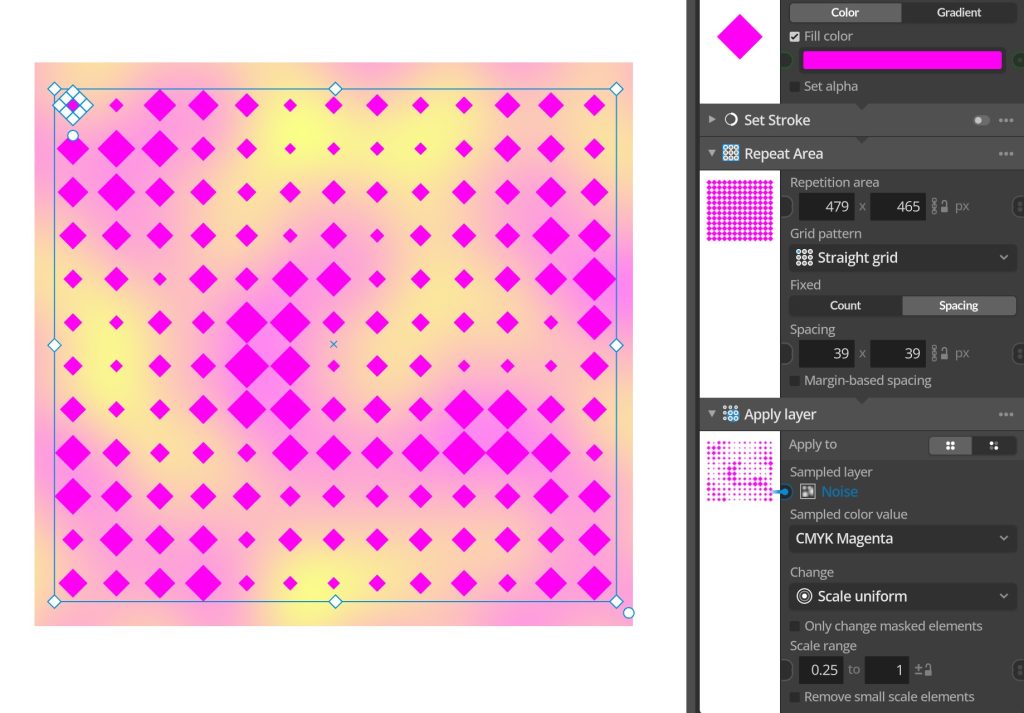
This will for example make it possible to create separation-style halftones where you have a halftone raster grid for each color channel separately. Also the same new sampling options have been added to the Value from layer input node, allowing you to make the same choice there.
Another notable new addition for people using multiple artboard documents is that each artboard now saves an individual export file name (that you can also edit in the artboard settings).
Full change list:
Changes and improvements
– Added new Cap to periods option available in all value function nodes (such as Apply Function, Index Function etc) allowing you to cap the function values to the min / max values before and after a specified range. This makes using offset functions more powerful and opens up some new usecases.
– Added Sampled color value setting to Apply layer node, allowing you to control what color value to apply, like color darkness, RGB-channels or Alpha channel.
– Added Custom export filename parameter to Artboards, allowing you to set and reuse separate export filenames per artboard.
– Added CMYK channel sampling options to Apply layer node and Value from layer input node.
– Node preview for Path Subdivide node now shows control points for better visual feedback.
– Adjusted value field hover controls style and closing behavior a little to reduce the risk of misclicks.
– Added support for site license deployment (for new Educational site license option see lostminds.com/education)
Bug fixes
– Fixed being able to add input nodes to disabled parameters via the parameter context menu.
– Fixed alt-drag duplicating artboards grabbing the original artboard instead of the new copy.
– Fixed scroll wheel editing value fields also scrolling parent view.
– Fixed scroll wheel editing changing the displayed value in disabled value fields (even if it didn’t modify the values).
You can check for updates and download the latest version from within Paragraphic if you have it installed, or you download it from paragraphic.design