
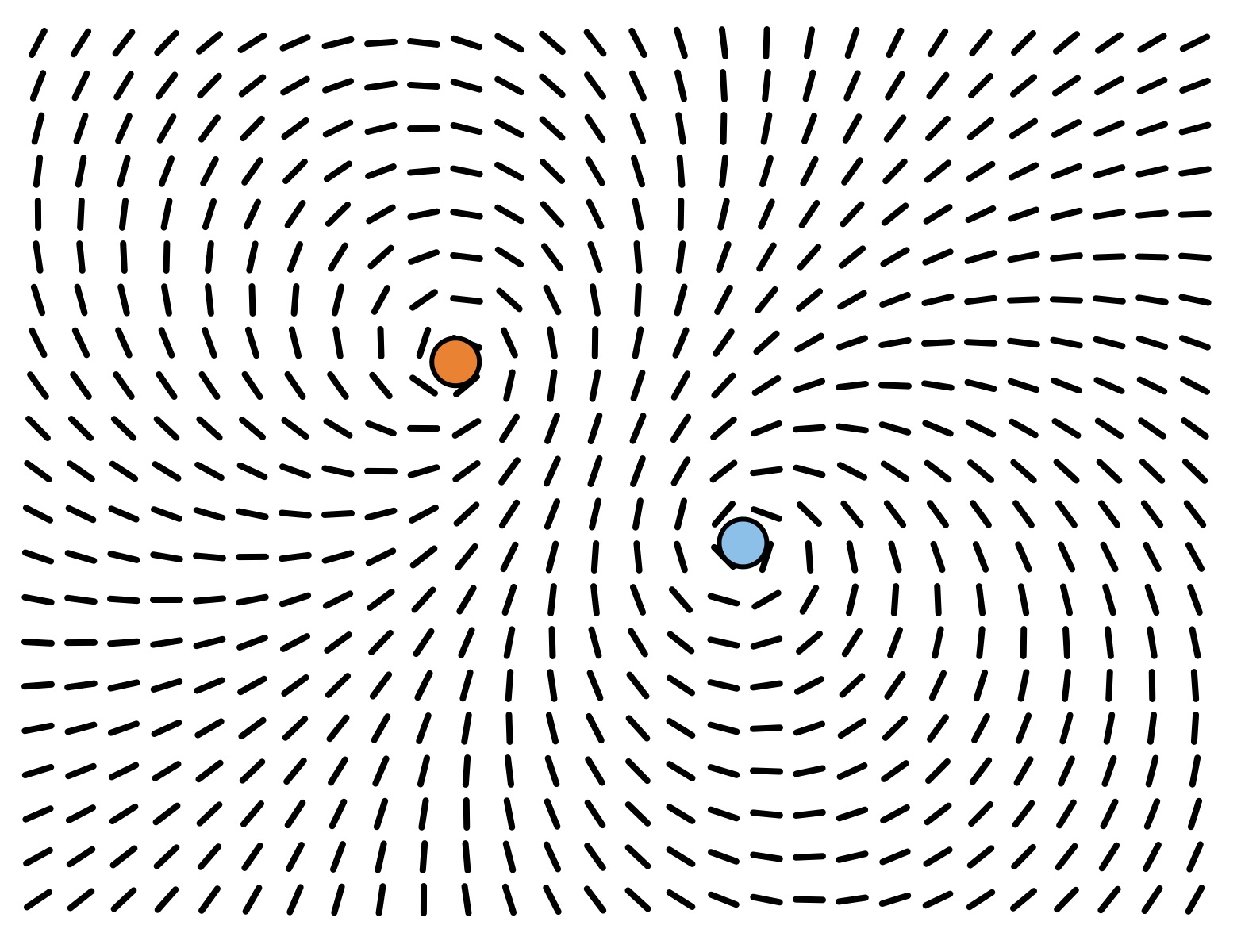
This sample file shows how you can apply transformations to elements (rotation in this case) in a pattern based on their position. It also shows how to use the Angle from points input node to automatically calculate angles between points and how to use the position of a different layer (in this case the red and blue circle) as input for generation.
This sort of technique can be used when you want elements in a design to relate to each other visually, but it can also be used just as a tool setting up help layers like the circles in this case as handles you use for tweaking your design but then hide in the final output.